Operating your monitor │ 49
Using the joystick to lock the button(s)
With the control buttons on the monitor locked, you can prevent people from
accessing the controls. By default, the lock setting is disabled.
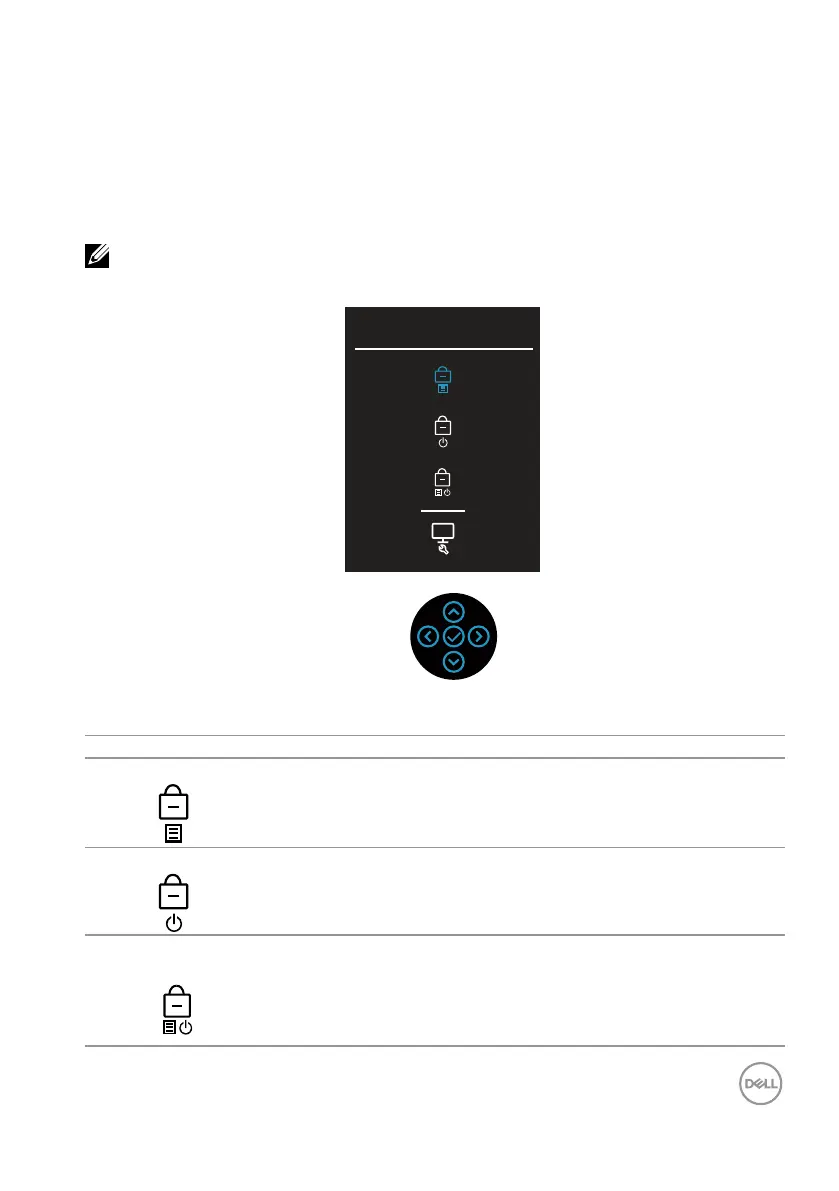
To access the lock menu, move and hold the joystick up/down/left/right for four
seconds. A lock menu appears at the bottom right corner of the display.
NOTE: The lock menu can be accessed using this method when the
Menu and Power buttons are in unlocked state.
Select option:
There are three lock options.
Menu Description
Menu Buttons When Menu Buttons is selected, all OSD functions are not
accessible.
Power Button When Power Button is selected, the display cannot be
turned off using the Power button.
Menu + Power
Buttons
When Menu + Power Buttons is selected, the OSD
functions are not accessible and the Power button is locked.



 To Next Page