Troubleshooting │ 61
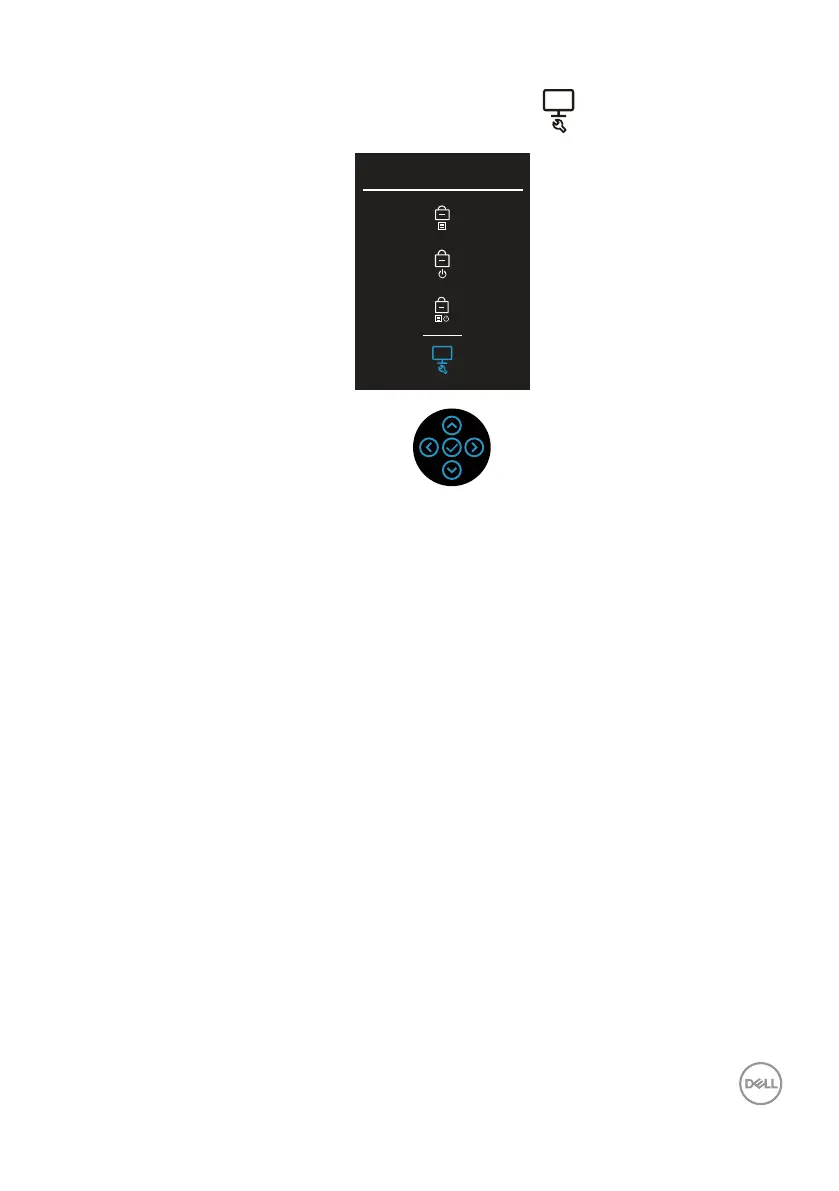
3. Move the joystick to highlight the Diagnostic icon , and then press the
joystick to confirm. A gray test pattern appears.
Select option:
4. Carefully inspect the screen for abnormalities.
5. Press the joystick to change the test patterns.
6. Repeat steps 4 and 5 to inspect the display in red, green, blue, black, white,
and text screens.
7. Press the joystick to end the diagnostic program.



 To Next Page