Operating the monitor | 53
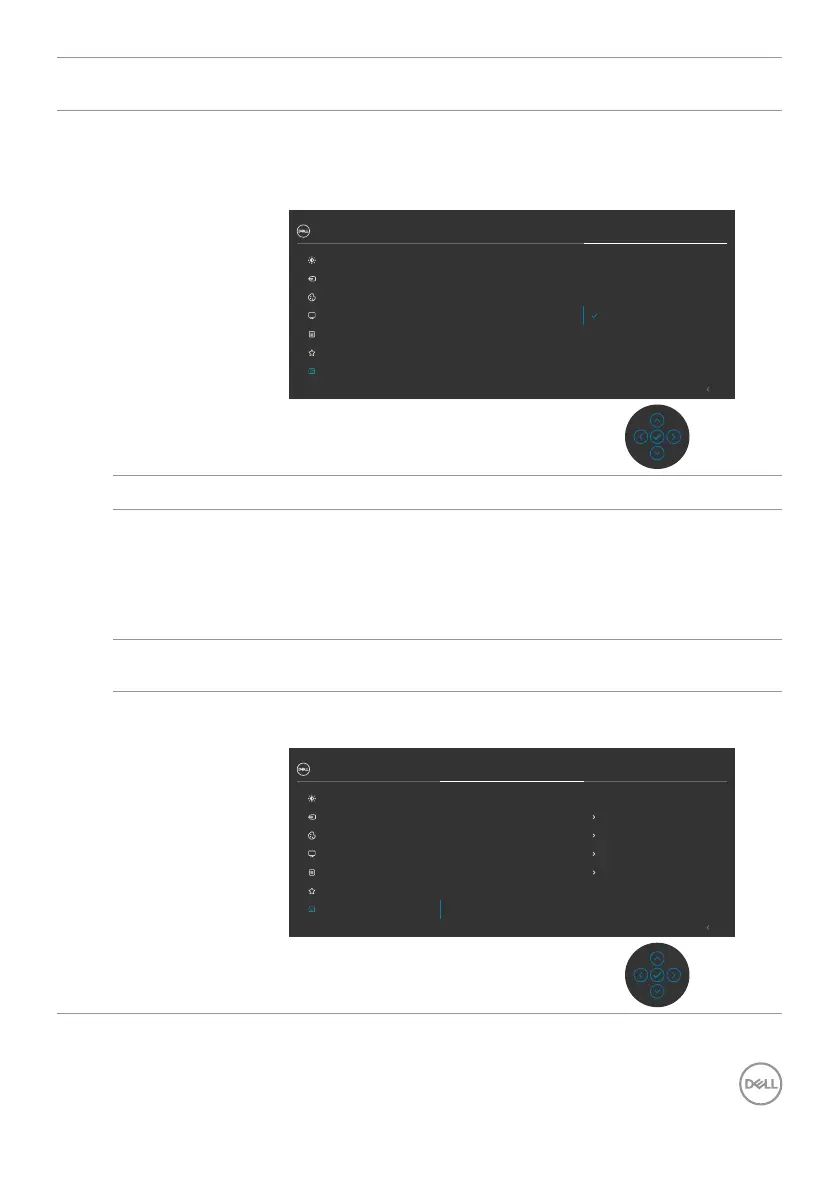
Icon Menu and
Submenus
Description
LCD
Conditioning
Helps reduce minor cases of image retention. Depending
on the degree of image retention, the program may take
some time to run. You can enable this feature by selecting
On.
Exit
32 Monitor
Display
Menu
Input Source
Color
Personalize
Others
Brightness/Contrast
DDC/CI
LCD Conditioning
Display Info
Firmware
Service Tag
Reset Others
Factory Reset
O
On
Firmware Displays the firmware version of your monitor.
Service Tag Displays the Service Tag. The Service Tag is a unique
alphanumeric identifier that allows Dell to identify the
product specifications and access warranty information.
NOTE: The Service Tag is also printed on a label located
at the back of the cover.
Reset Others Resets all settings under the Others menu to the factory
defaults.
Factory Reset Restores all preset values to the factory default settings.
These are also the settings for ENERGY STAR
®
tests.
Exit
32 Monitor
Display
Menu
Input Source
Color
Personalize
Others
Brightness/Contrast
DDC/CI
LCD Conditioning
Display Info
Firmware
Service Tag
Reset Others
Factory Reset
O
00X000
ABCDEFG
On
ENERGY STAR
®



 To Next Page