Operating the monitor | 55
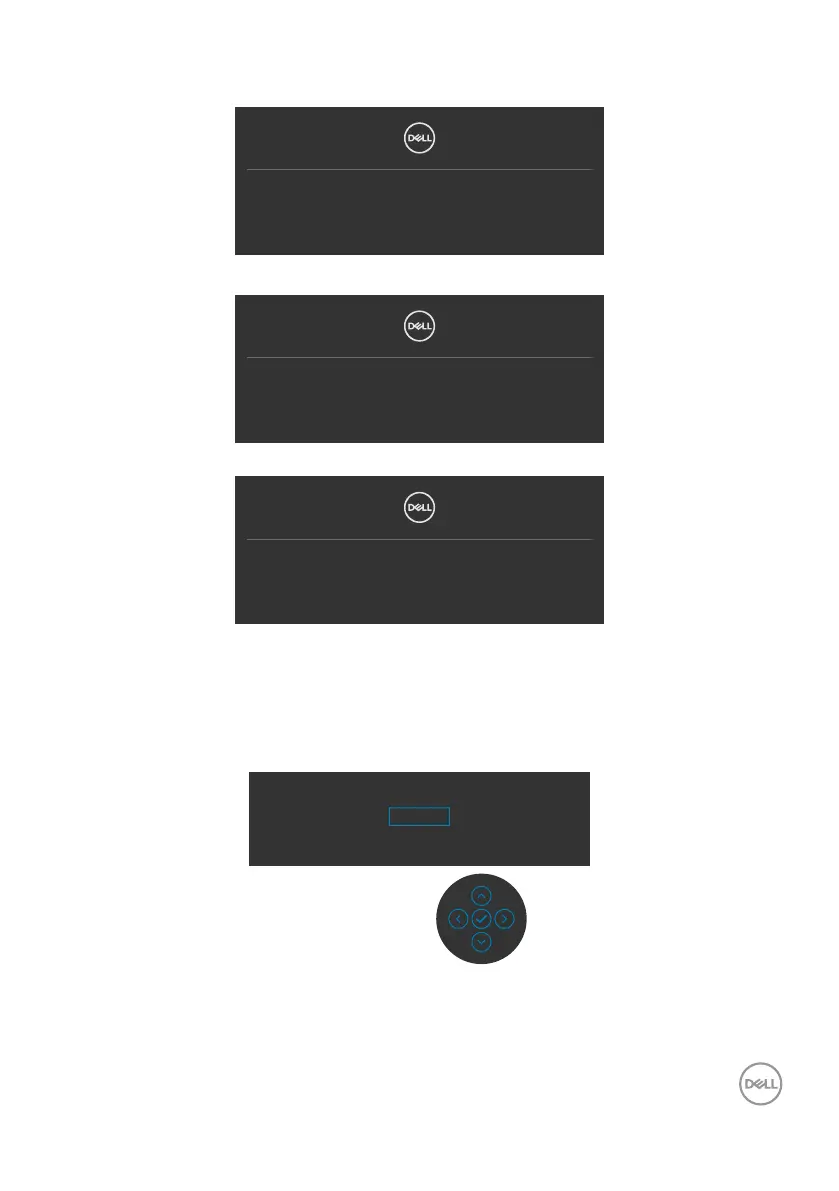
If either HDMI, DP and USB Type-C input is selected and the corresponding cable is
not connected, a floating dialog box as shown below appears.
No HDMI Cable
The display will go into Standby mode in 4 minutes.
www.dell.com/P3221D
or
No DP Cable
The display will go into Standby mode in 4 minutes.
www.dell.com/P3221D
or
No USB-C Cable
The display will go into Standby mode in 4 minutes.
www.dell.com/P3221D
A message is displayed while the cable supporting DP alternate mode is connected to
the monitor under the following conditions:
• When Auto Select for USB-C is set to Prompt for Multiple Inputs.
• When the DP cable is connected to the monitor.
Switch to USB-C Video Input:
Yes
No



 To Next Page