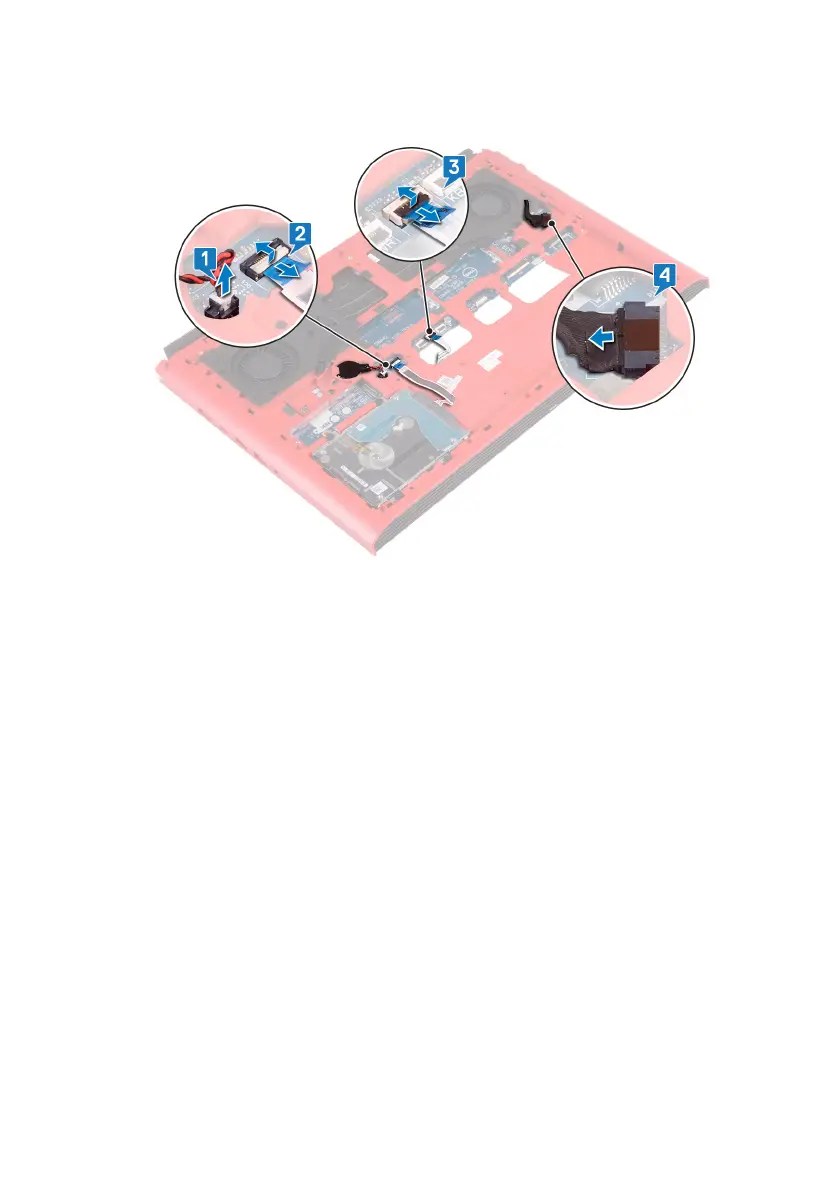
5 Disconnect the power-adapter port cable from the system board.
6 Turn the computer base over.
7 Remove the two screws (M2.5x5) that secure the power-adapter port bracket
to the computer base.
8 Lift the power-adapter port bracket o the computer base.
9 Remove the two screws (M2.5x5) that secure the USB Type-C port bracket to
the system board.
10 Lift the USB Type-C port bracket o the system board.
60



 To Next Page