8. Remove the display assembly.
9. Remove the I/O board.
10. Remove the power button with fingerprint reader.
11. Remove the power-adapter port.
12. Remove the touchpad.
13. Remove the system board.
NOTE: The system board can be removed along with the heat sink.
14. Remove the keyboard bracket.
15. Remove the keyboard.
About this task
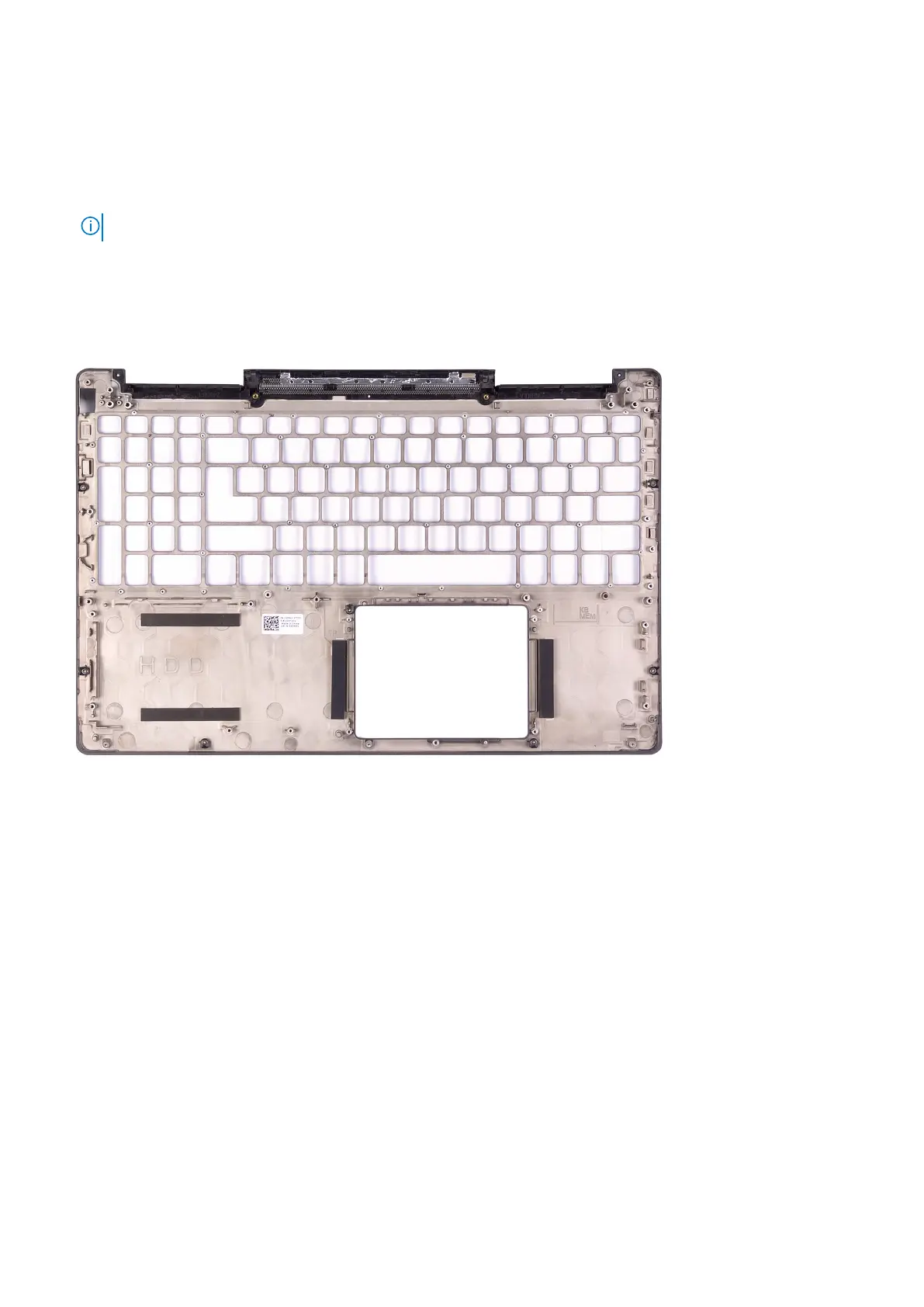
The figure indicates the location of the palm rest and provides a visual representation of the removal procedure.
Steps
After performing the steps in the pre-requisites, we are left with the palm rest.
Installing the palm-rest and keyboard assembly
Prerequisites
If you are replacing a component, remove the existing component before performing the installation procedure.
About this task
The figure indicates the location of the palm rest and provides a visual representation of the installation procedure.
64
Removing and installing components



 To Next Page