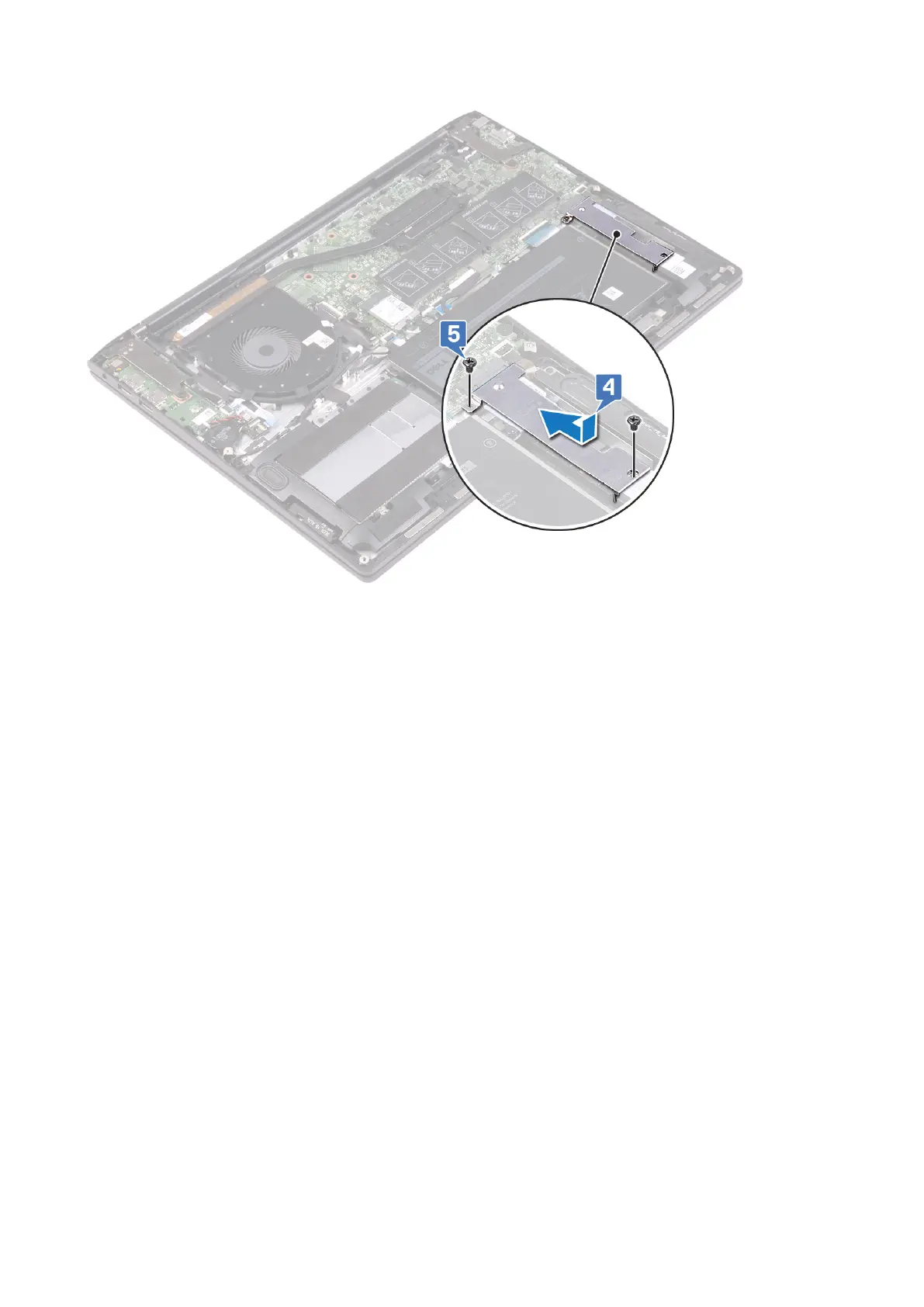
Procedure to replace M.2 2280 solid-state drive
1. Align the notch on the solid-state drive/Intel Optane storage module with the tab on the solid-state drive slot.
2. Slide the solid-state drive/Intel Optane storage module firmly into the solid-state drive slot at an angle.
3. Slide the solid-state drive/Intel Optane storage module shield firmly into the solid-state drive slot at an angle. Secure the tab
on the solid-state drive slot with the slot on the solid-state drive bracket.
4. Replace the two screws (M2x3) that secure the solid-state drive/Intel Optane storage module shield to the palm-rest
assembly.
44
Replacing the solid-state drive



 To Next Page