7. Replace the hard drive.
8. Replace the coin-cell battery.
9. Replace the solid-state drive.
10. Replace the I/O board.
11. Replace the power-adapter port.
12. Replace the wireless card.
13. Replace the fan.
14. Replace the memory modules.
15. Replace the battery.
16. Replace the base cover.
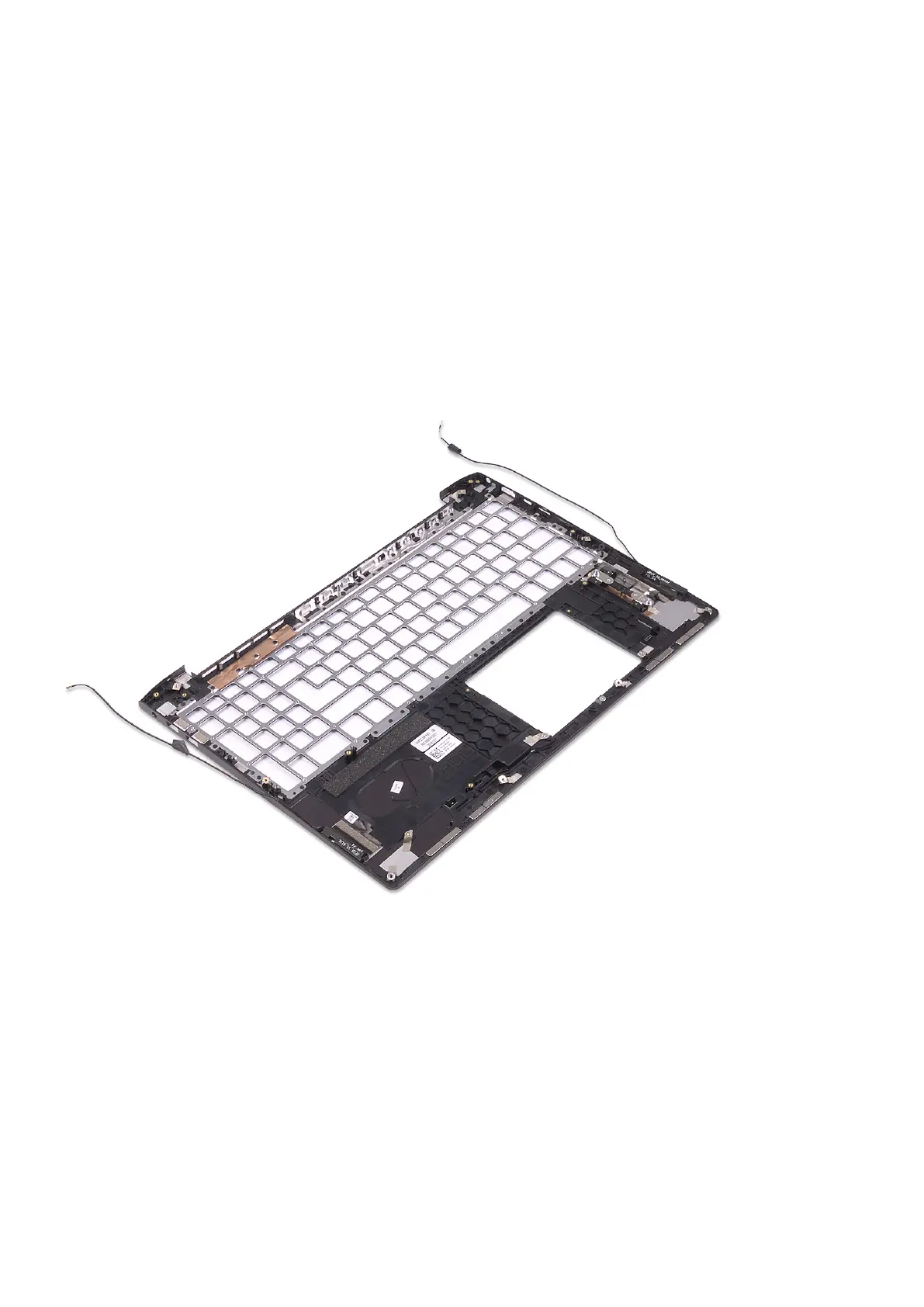
Procedure
Place the palm rest on a flat surface.
Replacing the palm-rest and antenna assembly 87



 To Next Page