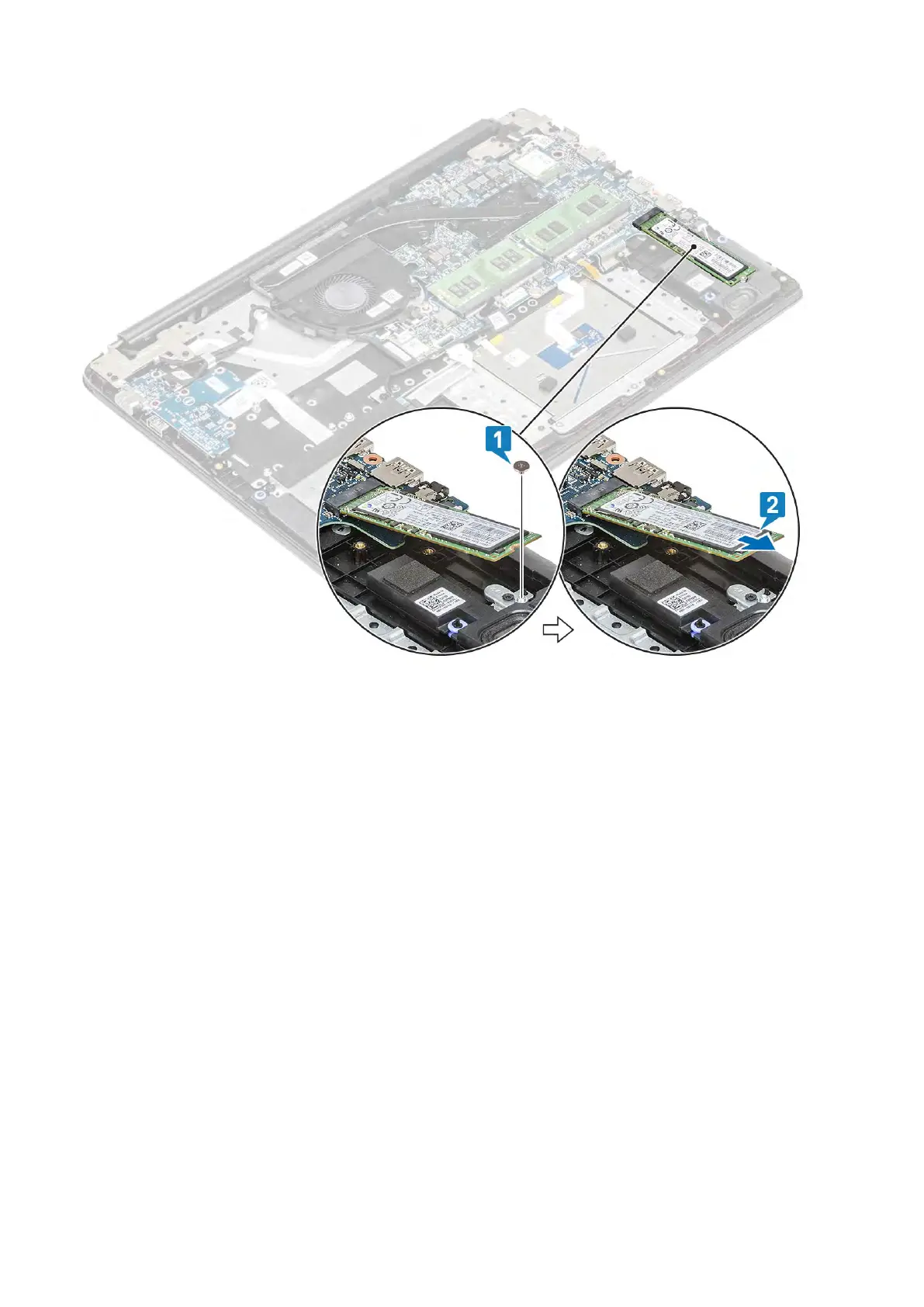
Installing the M.2 2280 Solid-state drive or Intel Optane memory -
Optional
Steps
1. Slide and insert the tab solid-state drive/Intel Optane card into the solid-state drive/Intel Optane card slot [1].
2. Replace the single (M2x2) screw that secures the solid-state drive/Intel Optane card to the palmrest and keyboard assembly [2].
3. Align and replace the thermal plate on the solid-state drive/Intel Optane card slot [1,2].
4. Replace the single (M2x3) screw that secures the thermal plate to the palmrest and keyboard assembly [3].
48 Removing and installing components



 To Next Page