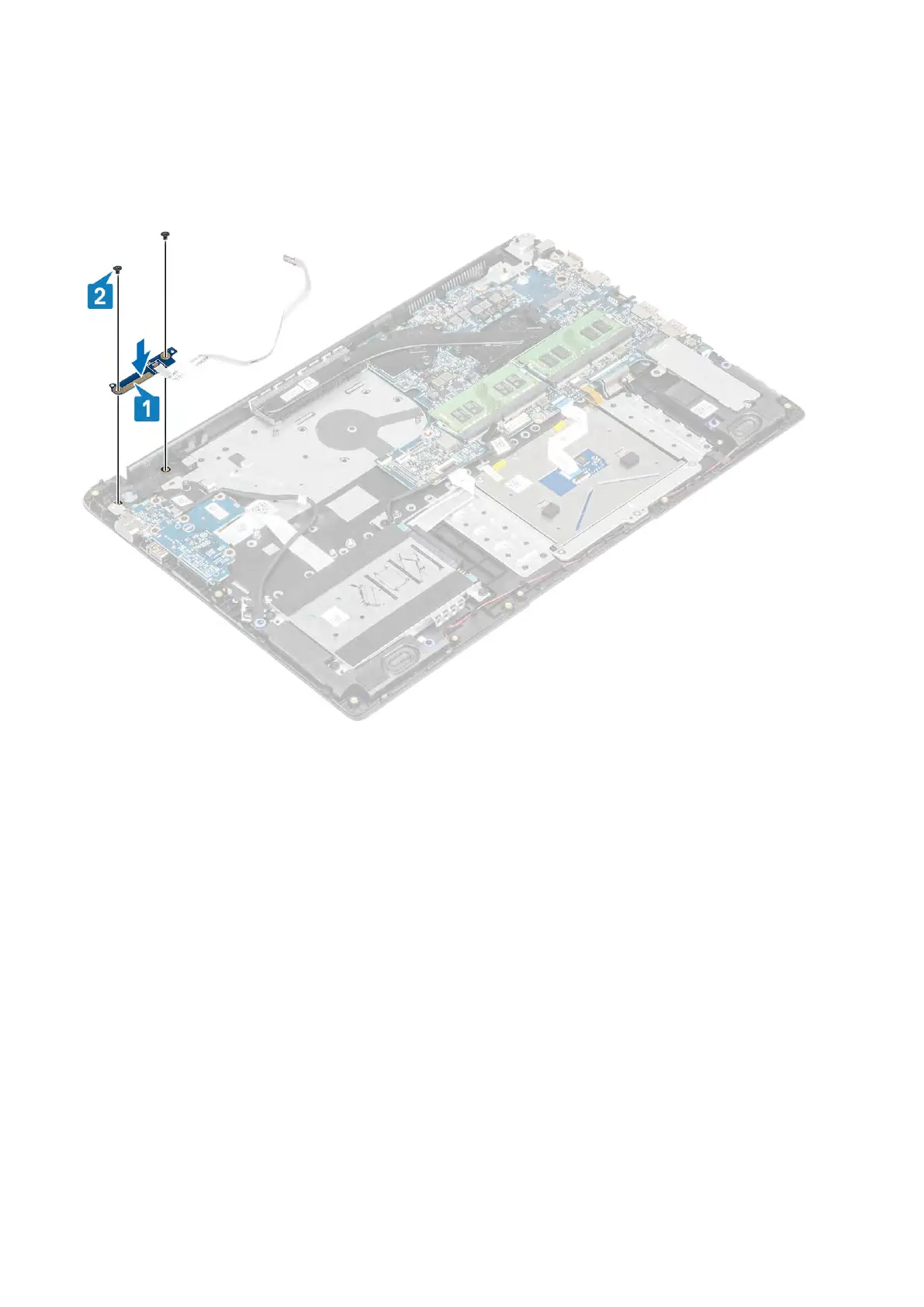
Installing the power button board with optional fingerprint reader
Steps
1. Place the power-button board into the slot on the palmrest and keyboard assembly [1].
2. Replace the two (M2x3) screws that secure the power button board to the palmrest and keyboard assembly [2].
3. Affix the power button cable to the palmrest and keyboard assembly [1].
4. Slide the power button cable and fingerprint reader cable to the system board and close the latch to secure the cable [2].
72 Removing and installing components



 To Next Page