18 │ Checking the battery
Checking the battery health
Battery health is a measurement reecting the general condition of the battery. It indicates
how much battery life remains before the power bank must be replaced.
NOTE: The units of SOH (State Of Health) are percentage (%) points.
A battery’s SOH is 100% at the time of manufacture and will deteriorate gradually with
usage.
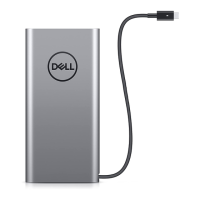
Press and hold the power button for ve seconds to turn on the power bank then check the
battery health status.
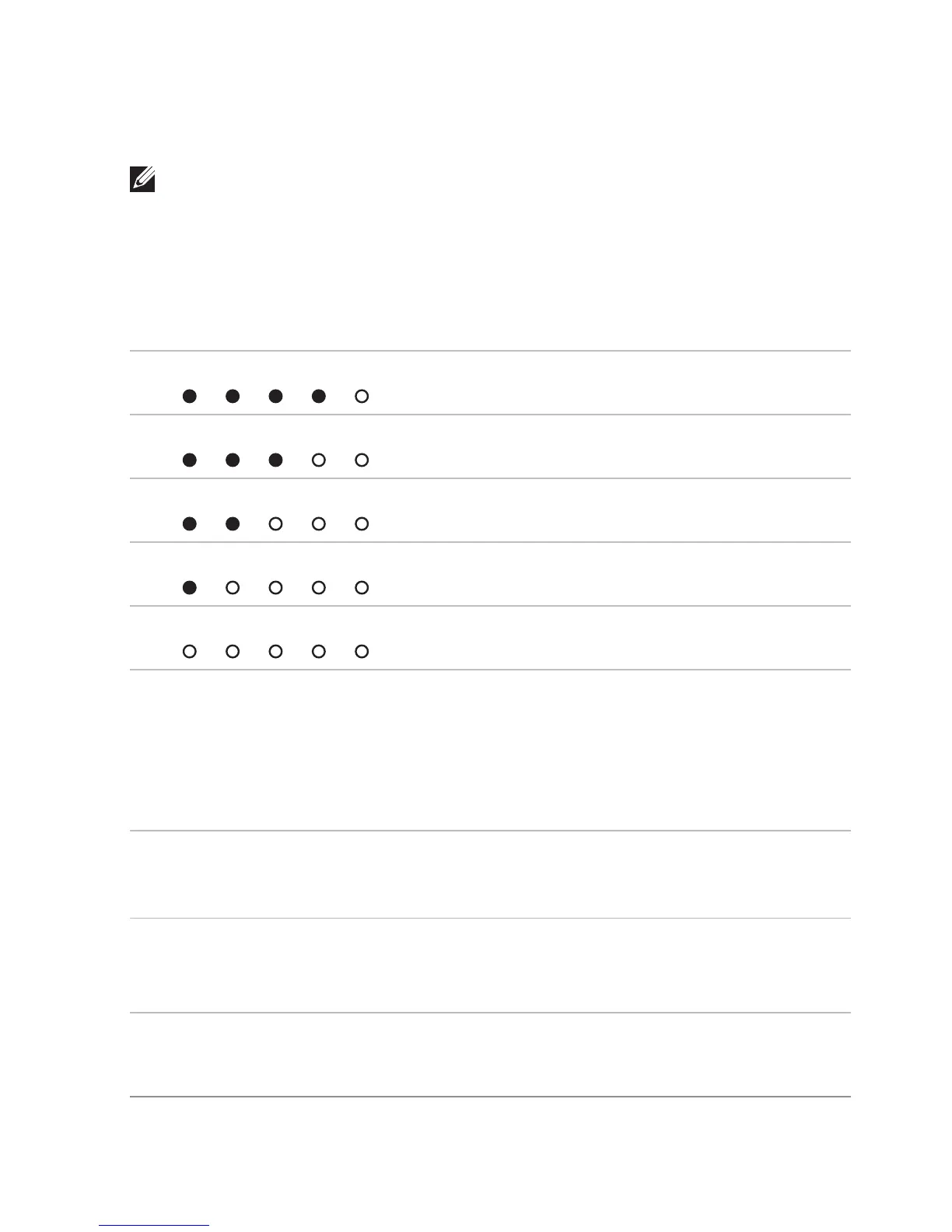
Battery-status light Battery health status
5
th
battery-status light is on
81% – 100%
4
th
& 5
th
battery-status lights are on
61% – 80%
3
rd
~5
th
battery-status lights are on
41% – 60%
2
nd
~5
th
battery-status lights are on
21% – 40%
All 5 battery-status lights are on
1% – 20%
Error status
The types of error conditions are shown in the table below.
Event Battery-status light color and behavior Status
All modes One second flash ON/OFF interchangably on the 1
st
battery-status light (amber) and 2
nd
battery-status
light (white)
High temperature
PSID Fail or
Daisy Chain
Flashing amber Error caused by
improper connection
or damaged power
adapter.



 To Next Page