9 │ Charging your power bank
Charging your power bank
WARNING: To avoid injury and damaging your device, use only the power cord
that was shipped with your power bank.
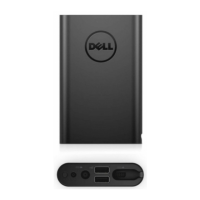
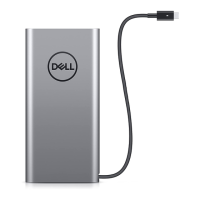
Before first use, charge the power bank using the power cord.
NOTE: It takes approximately three hours to fully charge the power bank.
NOTE: You can charge your devices through the power bank while the power bank is
getting charged.
NOTE: The power cable is shipped with the power bank.
1 Attach the power cord to the power hub.
2 Connect the power cord to an electrical outlet.
• The battery-status light turns flashing white indicating that the battery is getting
charged. See Checking battery charge status for details.
• The battery-status lights turn off when the battery is fully charged or when the power
cable is disconnected.



 To Next Page