Dell
PowerEdge T310 Technical Guide 22
4.11 Security
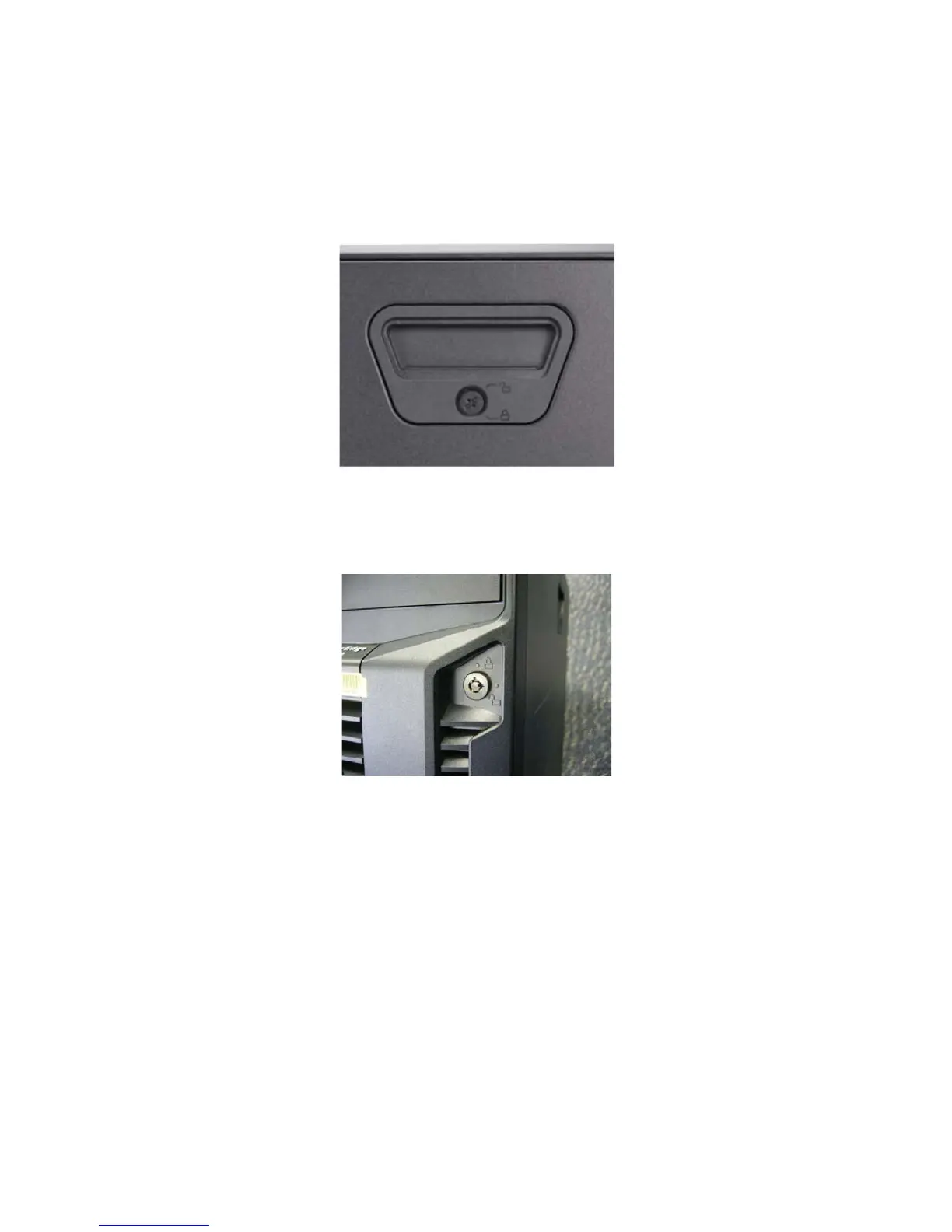
4.11.1 Cover Latch
The system coin lock located on the front of the right side cover provides security for the entire system,
with tool-less operation for opening and closing the cover.
Figure 12. System Coin Lock under Cover Latch
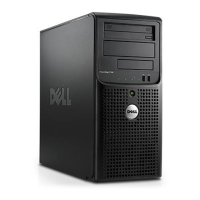
The bezel lock secures both the bezel and cover latch.
Figure 13. Bezel Lock in Front Bezel
The bezel lock located on the front of the chassis bezel provides security for the system by preventing
access to the Optical Disk Drive (ODD), Tape Back-up Unit (TBU), and Hot-Plug HDD.
The bezel lock secures both the bezel and cover latch. Therefore, the bezel lock must be unlocked to
unlatch the cover.














 To Next Page