18 System Information Guide
www.dell.com | support.dell.com
Setting Up Your Computer
1 Unpack the accessories box.
2 Set aside the contents of the accessories box, which you will need to
complete the setup of your computer.
The accessories box also contains user documentation and any
software or additional hardware (such as PC Cards, drives, or batteries)
you have ordered.
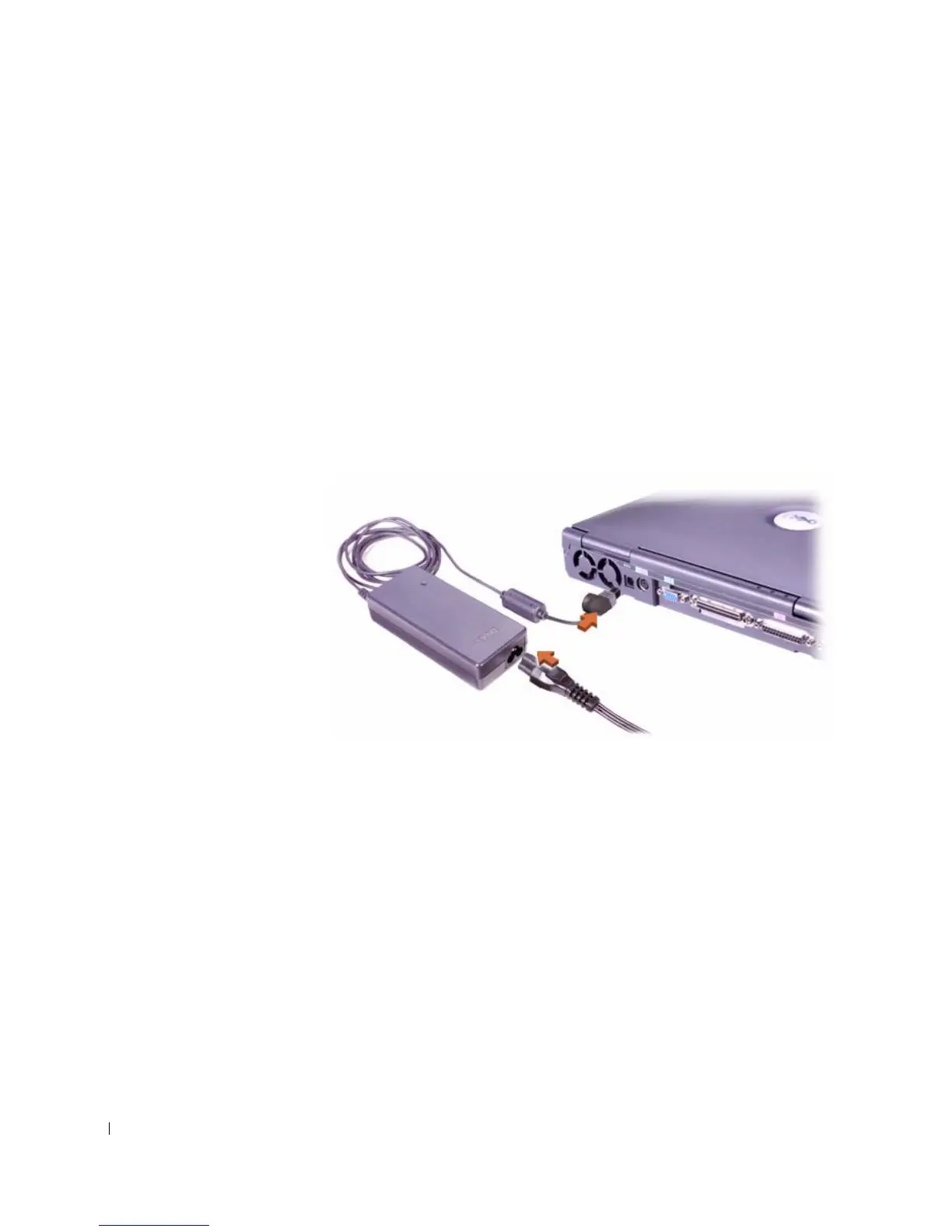
3 Connect the AC adapter to the AC adapter connector and to the
electrical outlet.
Connecting the AC Adapter













 To Next Page