System Information Guide 19
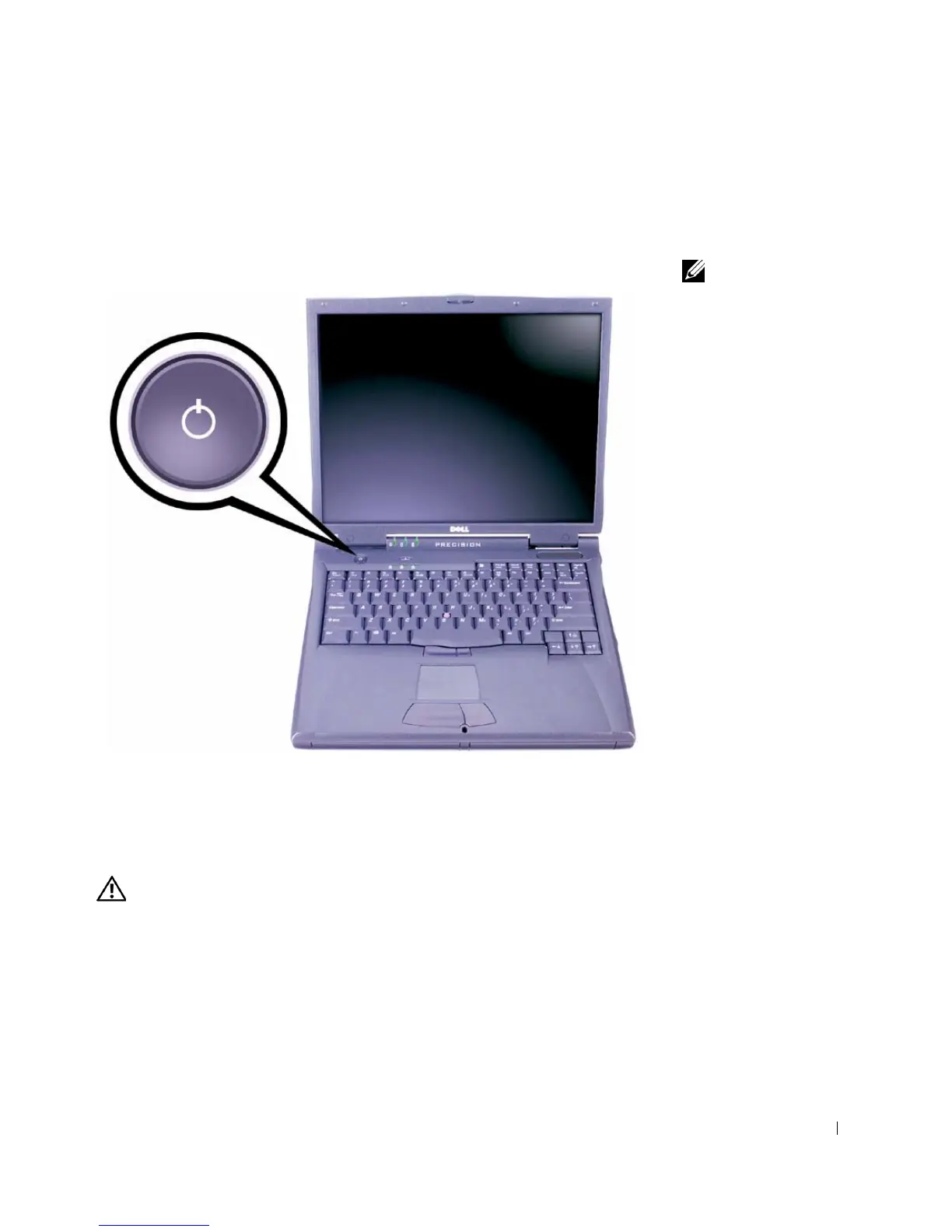
4 Open the computer display and press the power button to turn on the
computer.
Power Button
NOTE: Do not dock the
computer until it has been
turned on and shut down
at least once.
About Your Computer
Front View
CAUTION: Do not block, push objects into, or allow dust to
accumulate in the air vents. Doing so can damage the computer
or cause a fire.













 To Next Page