NOTE: * Requires Microsoft Teams variant and application
Setup and software
Power and setup
Steps
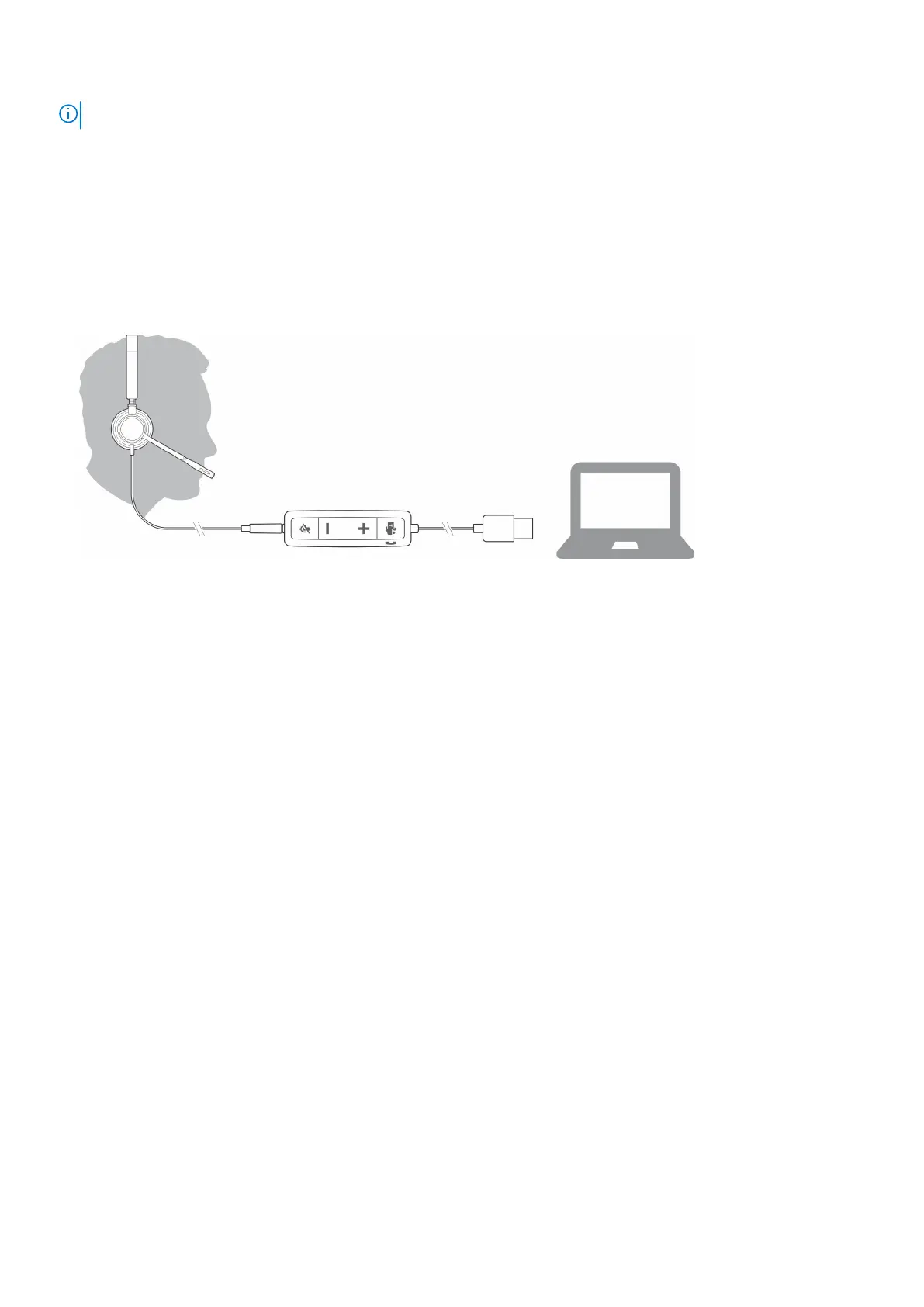
Power on your headset by connecting to your computer or mobile device.
● USB-A/USB-C connector
Load software
Some softphones require the installation of Plantronics Hub for Windows/Mac to enable headset call control (answer/end and
mute) functionality.
Steps
Download Plantronics Hub for Windows/Mac by visiting poly.com/software or visit www.dell.com/support.
Manage your headset settings on your computer with Plantronics Hub:
● Call control for softphones
● Change headset language
● Update firmware
● Turn features on/off
Fit
Adjust the headband
Steps
Lengthen or shorten the band until it fits comfortably. The cushions should sit comfortably over the center of your ears.
Overview
5



 To Next Page