42 | Operating the Monitor
If you are using a non-Dell computer (portable or desktop):
• Go to the support site for your computer and download the latest graphic drivers.
• Go to your graphics card website and download the latest graphic drivers.
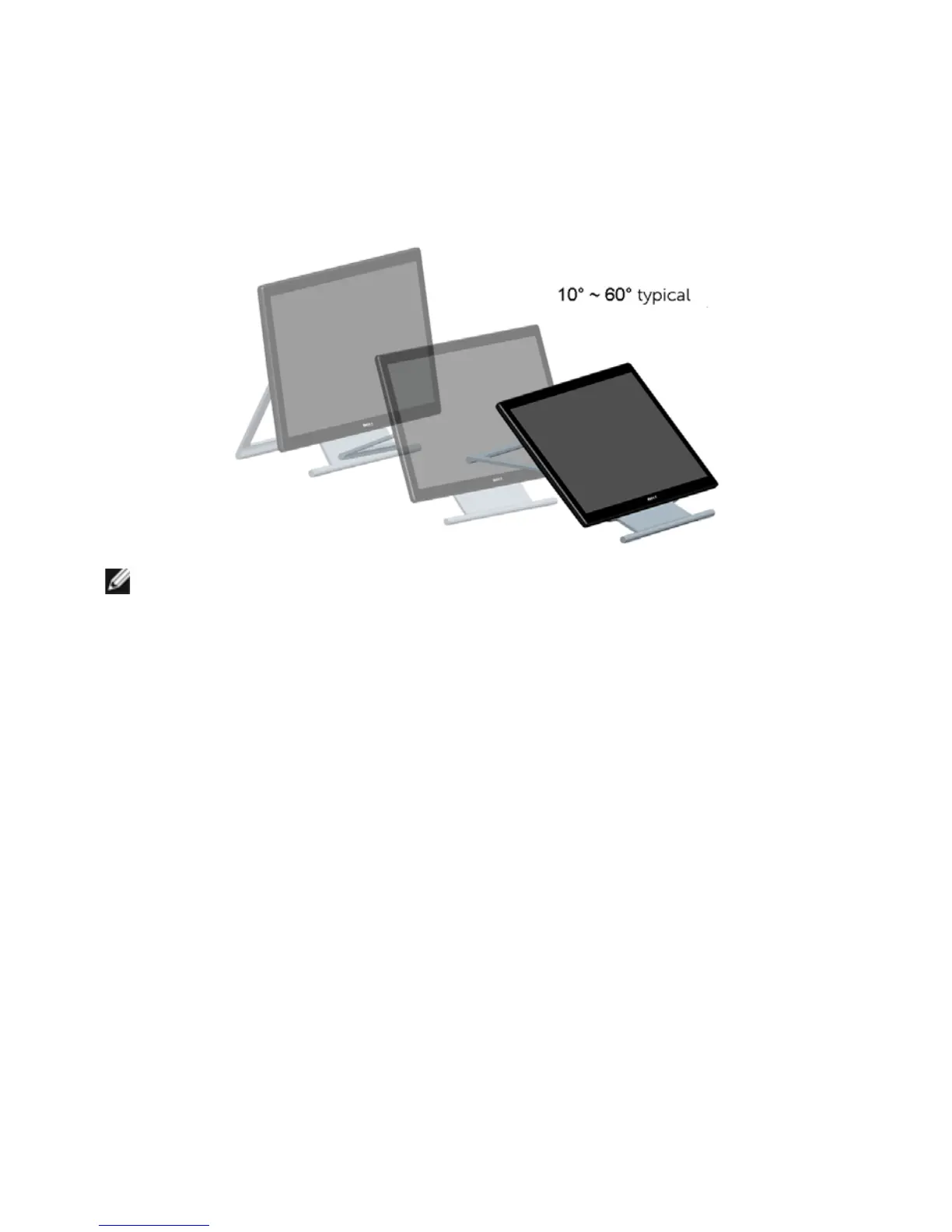
Using the Tilt and Touch Usage Scenario
With the built-in stand, you can tilt the monitor for the most comfortable viewing angle.
NOTE: The stand is attached when the monitor is shipped from the factory.



 To Next Page