Charging Your Mobile Device Wirelessly
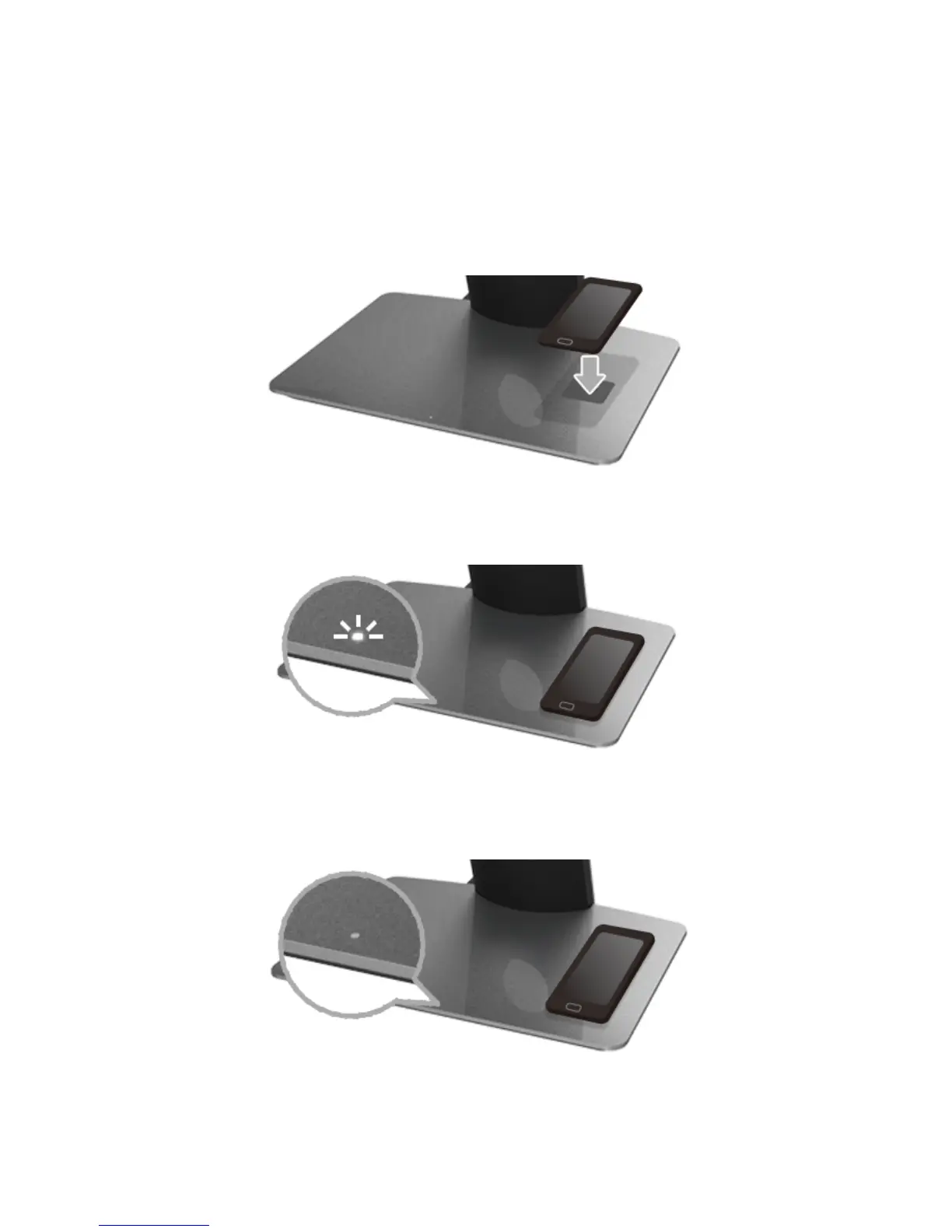
To charge your mobile device wirelessly:
Read the documentations that shipped with the mobile device for information
1.
on how to use the wireless charging function.
Ensure that the charging area of the wireless charging base is clear of any object
2.
and then place your mobile device at the center of the charging area.
When the device is properly placed on the charging area, the LED turns white
3.
indicating that your device is getting charged.
When the battery of the device is fully charged (usually > 98%), the white LED
4.
light turns off.



 To Next Page