14 Install the optional drawer
www.dell.com/supplies | support.dell.com
CAUTION: If you are adding an optional drawer sometime after setting up the
printer, be sure to turn the printer off, unplug the power cord, and disconnect all
cables from the back of the printer before completing these tasks.
To increase paper capacity, you can purchase one optional 250-sheet drawer or one optional
500-sheet drawer. A drawer consists of a base and a tray.
If you ordered an optional drawer, follow the instructions below to install it.
1 Remove all packing material and tape from the base.
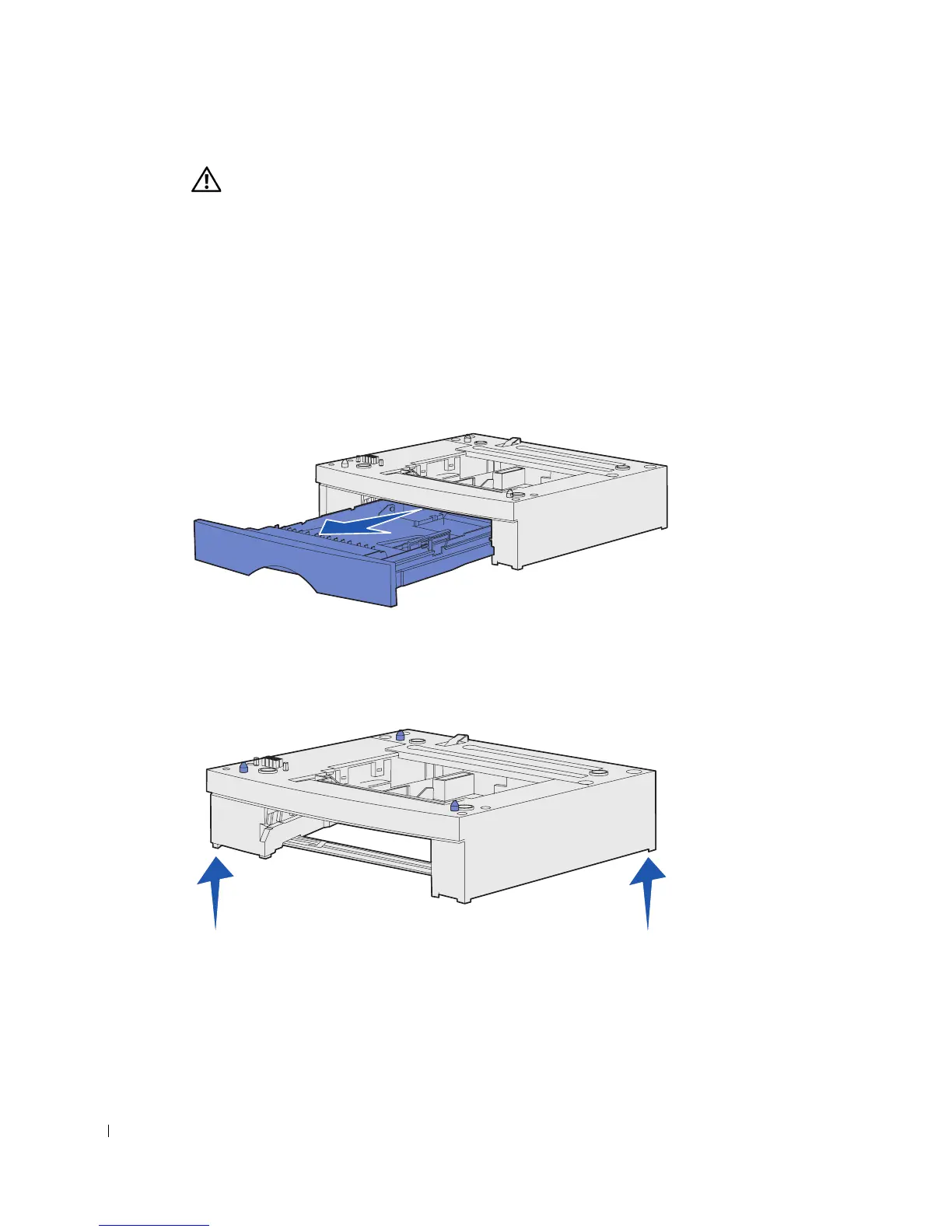
2 Pull the tray out of the base.
Remove any packing material and tape from the tray.
3 Grasp the base on each side at opposite corners and move it to the location selected
for the printer.
4 Reinstall the tray. Push it fully into the printer.



 To Next Page