20 Install optional memory cards
www.dell.com/supplies | support.dell.com
CAUTION: If you are installing memory cards sometime after setting up the
printer, turn the printer off and unplug the power cord before continuing.
NOTE: Memory options designed for other Dell printers may not work with your printer.
Your printer has two memory connectors for optional memory cards. You can install any
combination of printer memory and flash memory cards in the connectors. However, the
printer only recognizes one flash memory card at a time.
You need a small Phillips screwdriver to install memory cards.
Removing the side cover
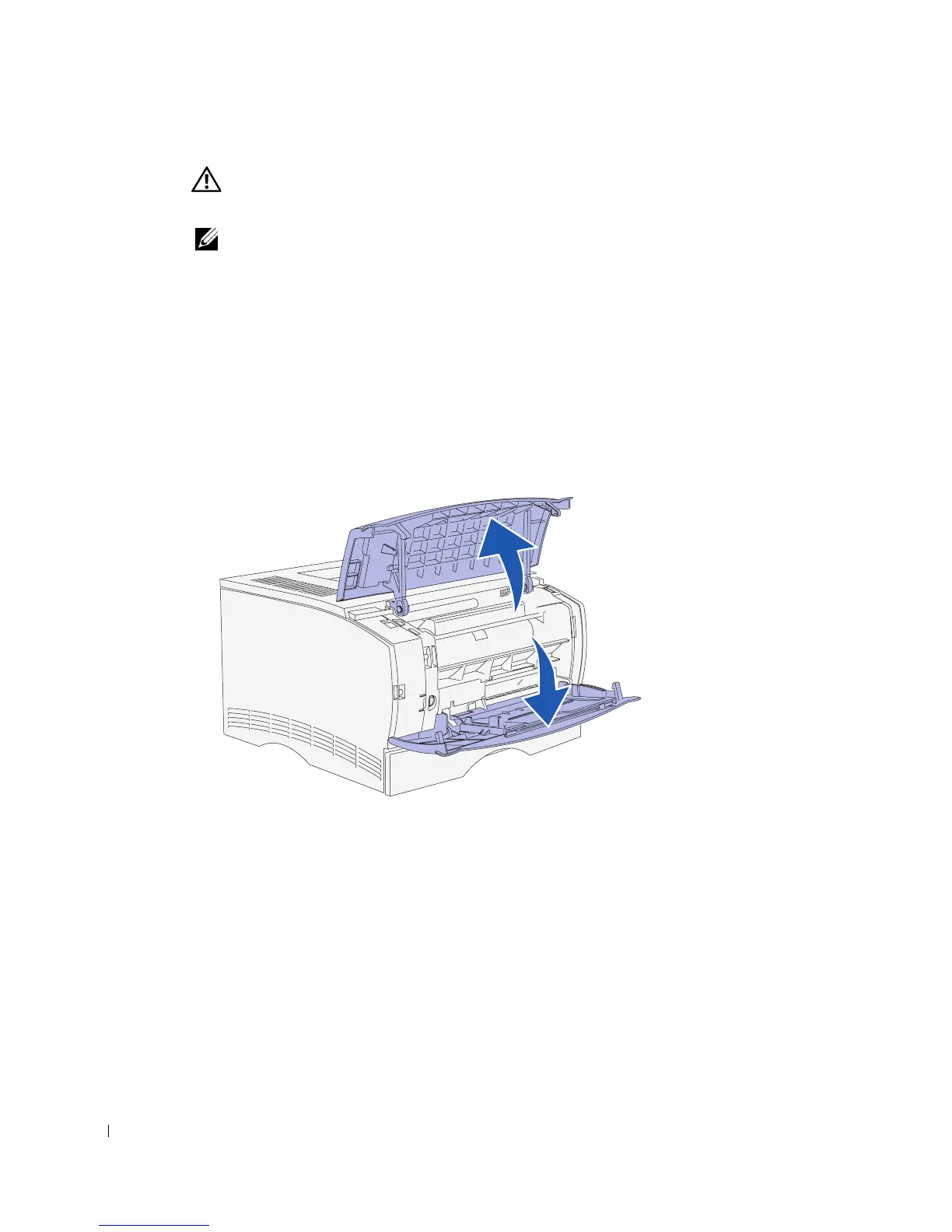
1 Open the upper front door and the multipurpose feeder door.
2 Firmly press on the two tabs simultaneously to free them from their slots.



 To Next Page