60 Setting up for network printing
www.dell.com/supplies | support.dell.com
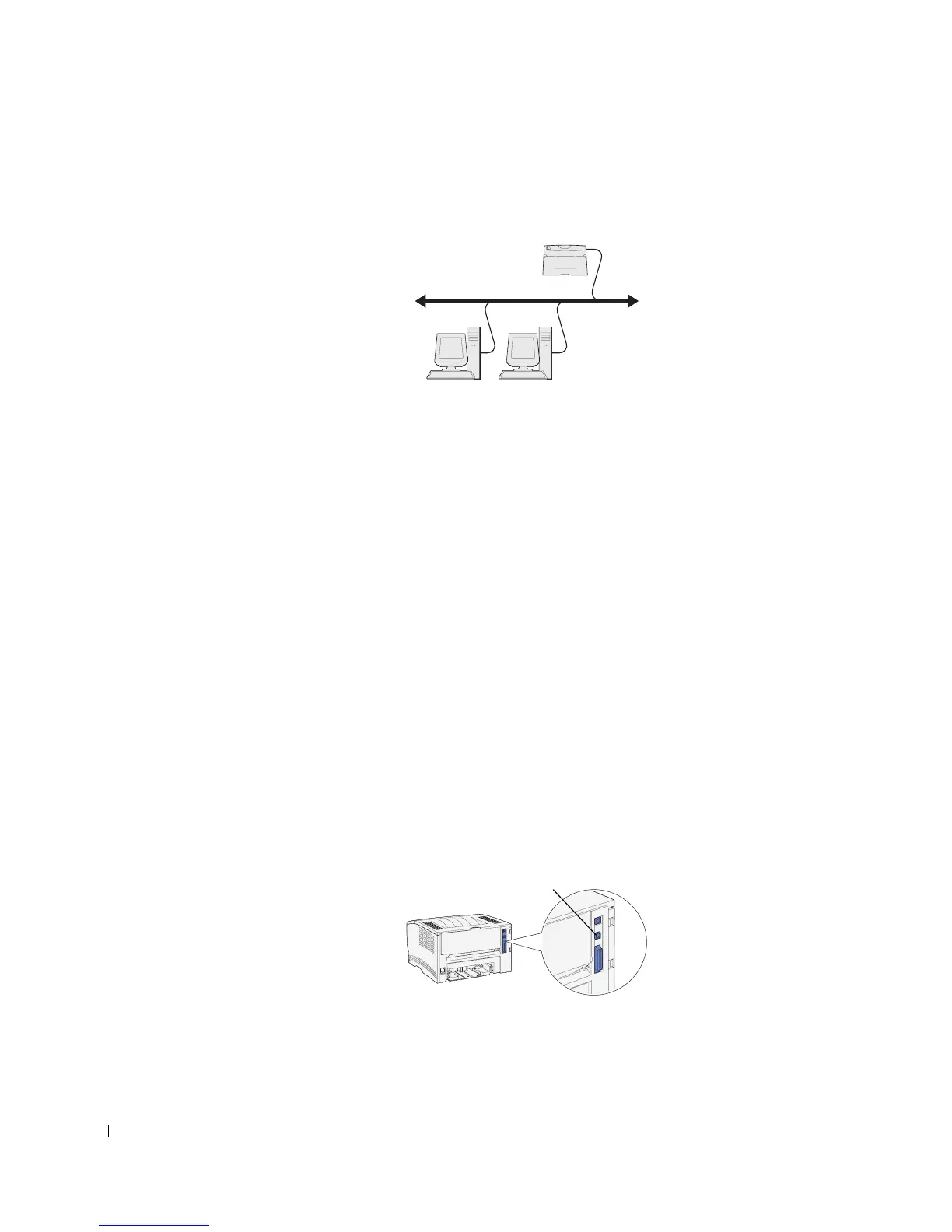
Attaching directly to the network (no queue)
If you are sharing your network printer in a small workgroup environment and are not using
a server, use this method to attach your printer to the network. The no-queue method lets
you attach the printer to the user’s computer with a network cable so that multiple users
can connect to it.
In this section you will:
• Attach cables.
• Print and check the network setup page.
• Assign an IP address to the printer.
• Verify the IP settings.
• Install printer drivers on each client that needs to print to the new printer.
Attach cables
1 Make sure the printer is turned off and unplugged.
2 Plug one end of a standard category 5 cable into a LAN drop or hub, and the other end
into the Ethernet port (the top connector) on the back of the printer. The printer
automatically adjusts for the network speed.
Clients
Printer
Ethernet port



 To Next Page