Install optional memory cards 25
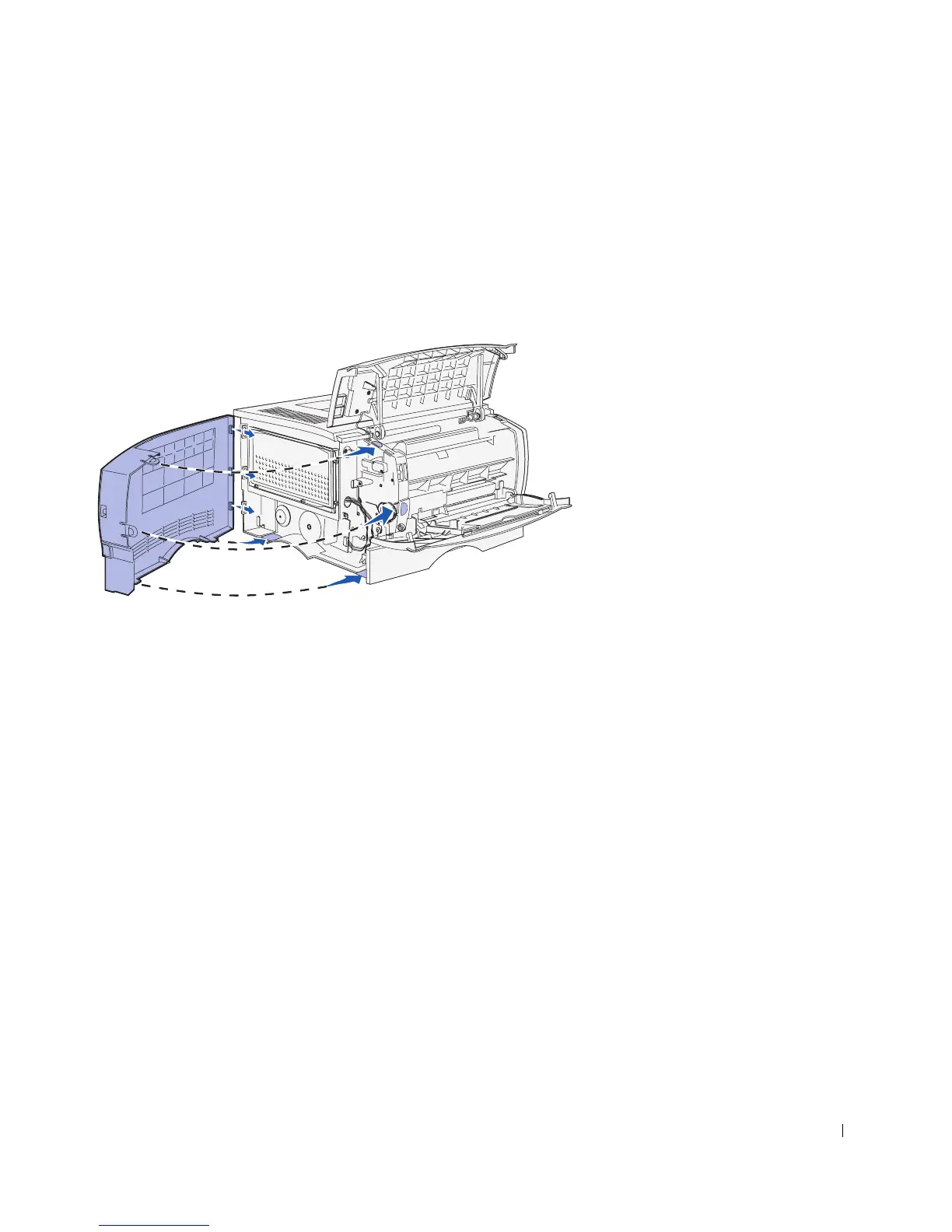
Reattaching the side cover
1 Align the three rear tabs on the side cover with the corresponding slots on the printer.
2 Guide the tabs on the top, bottom, and front of the cover into their corresponding
slots.
The top and front tabs snap into place.
3 Close the upper front door and the multipurpose feeder door.
Make sure both doors snap closed on both sides.



 To Next Page