Load paper 37
Loading the multipurpose feeder
The multipurpose feeder can be used in two ways:
• You can load a single type and size of print media such as letterhead in the
multipurpose feeder and then use it like any standard paper tray.
• You can use it when you need to print a small quantity of a specific type or size of
media, such as transparencies. The printer then prompts you to load the appropriate
print media before it prints.
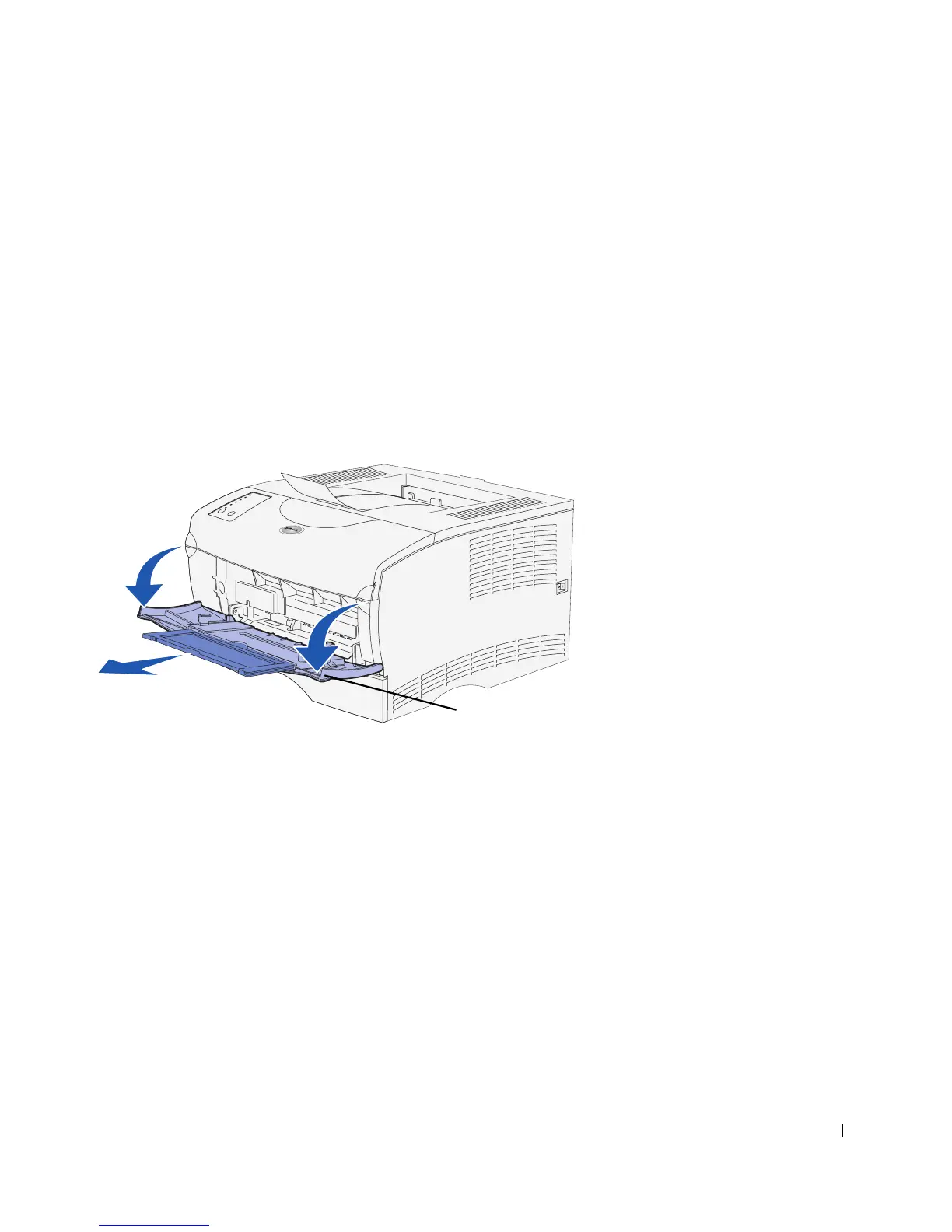
Use the following instructions to load the multipurpose feeder.
1 Use the finger grips to pull the door open.
2 Pull out the extension.
Finger grip



 To Next Page