36 Load paper
www.dell.com/supplies | support.dell.com
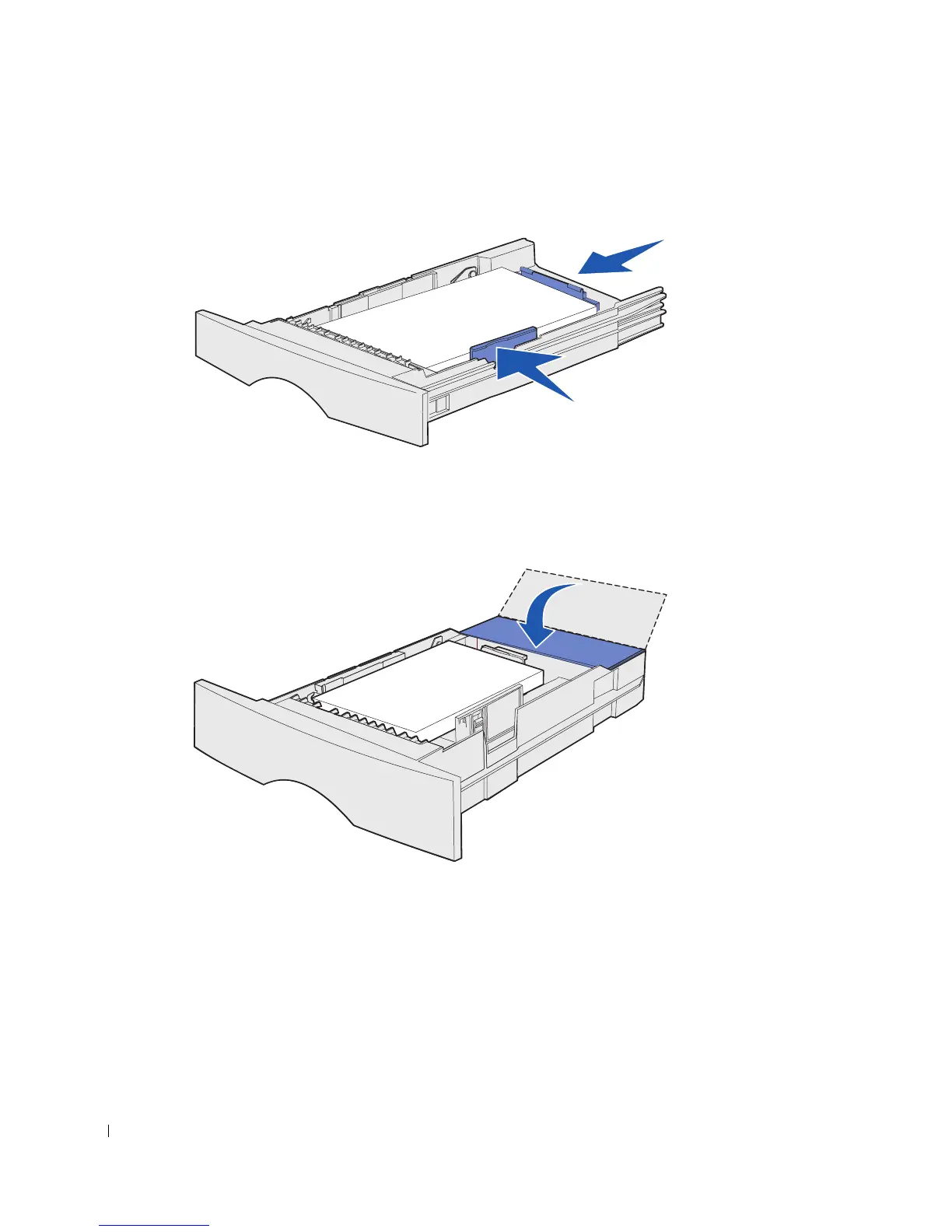
9 Squeeze the width guide tab and the width guide together, and then slide the guide to
the edge of the print media.
10 Squeeze the length guide tab and the length guide together, and then slide the guide
to the edge of the print media.
11 If you are loading an optional 500-sheet tray, close the cover.
12 Reinstall the tray. Push it fully into the printer.



 To Next Page