30 Install printer supplies
www.dell.com/supplies | support.dell.com
Installing the print cartridge
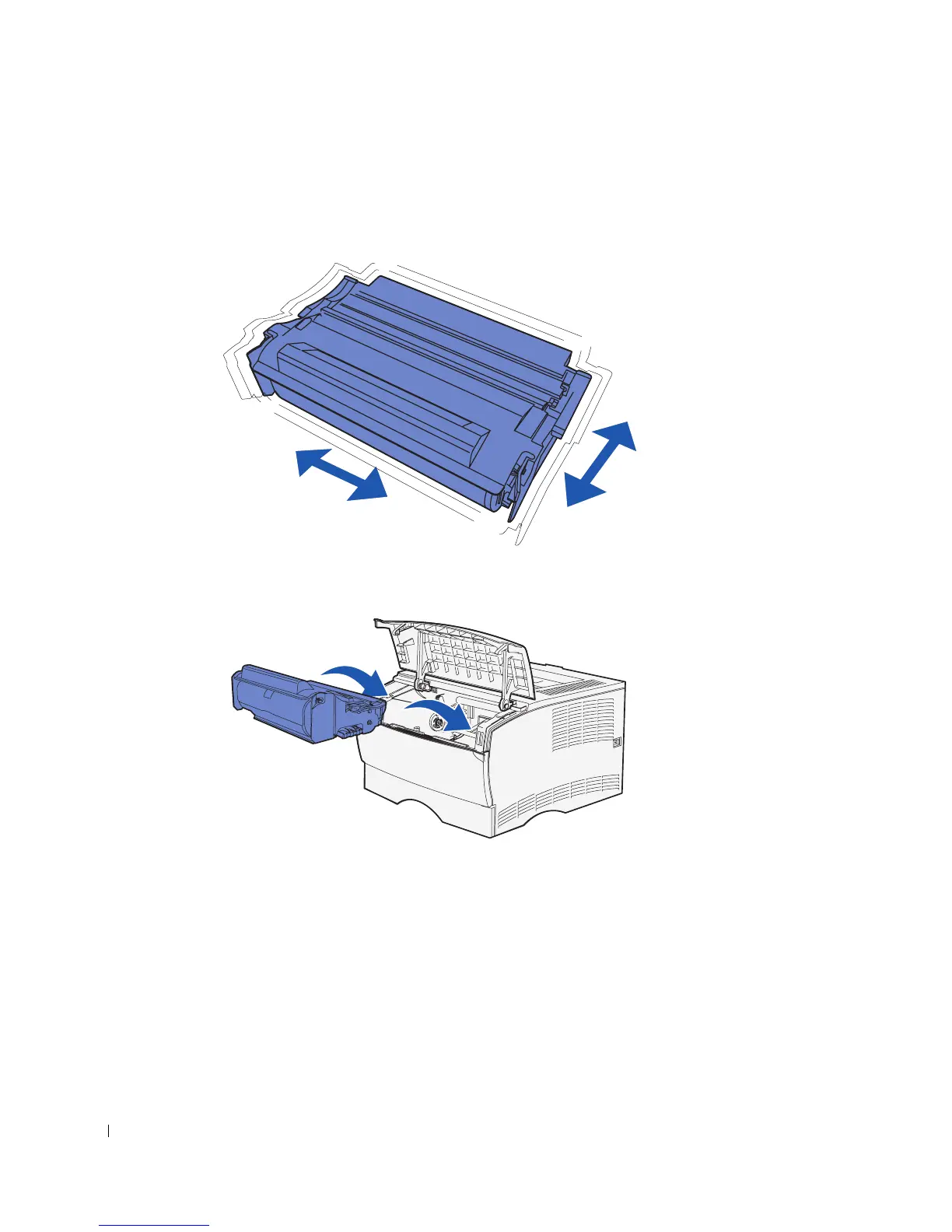
1 Hold the print cartridge by the handle and gently shake it to distribute the toner.
2 Install the print cartridge:
a Grasp the print cartridge by the handle.
b Align the tabs on each side of the print cartridge with the slots on each side of the
print cartridge cradle.
c Slide the print cartridge into the printer until it snaps into place.
3 Close the upper front door.
Make sure the door snaps closed on both sides, or the printer will not function
properly.



 To Next Page