18 Prepare the printer
www.dell.com/supplies | support.dell.com
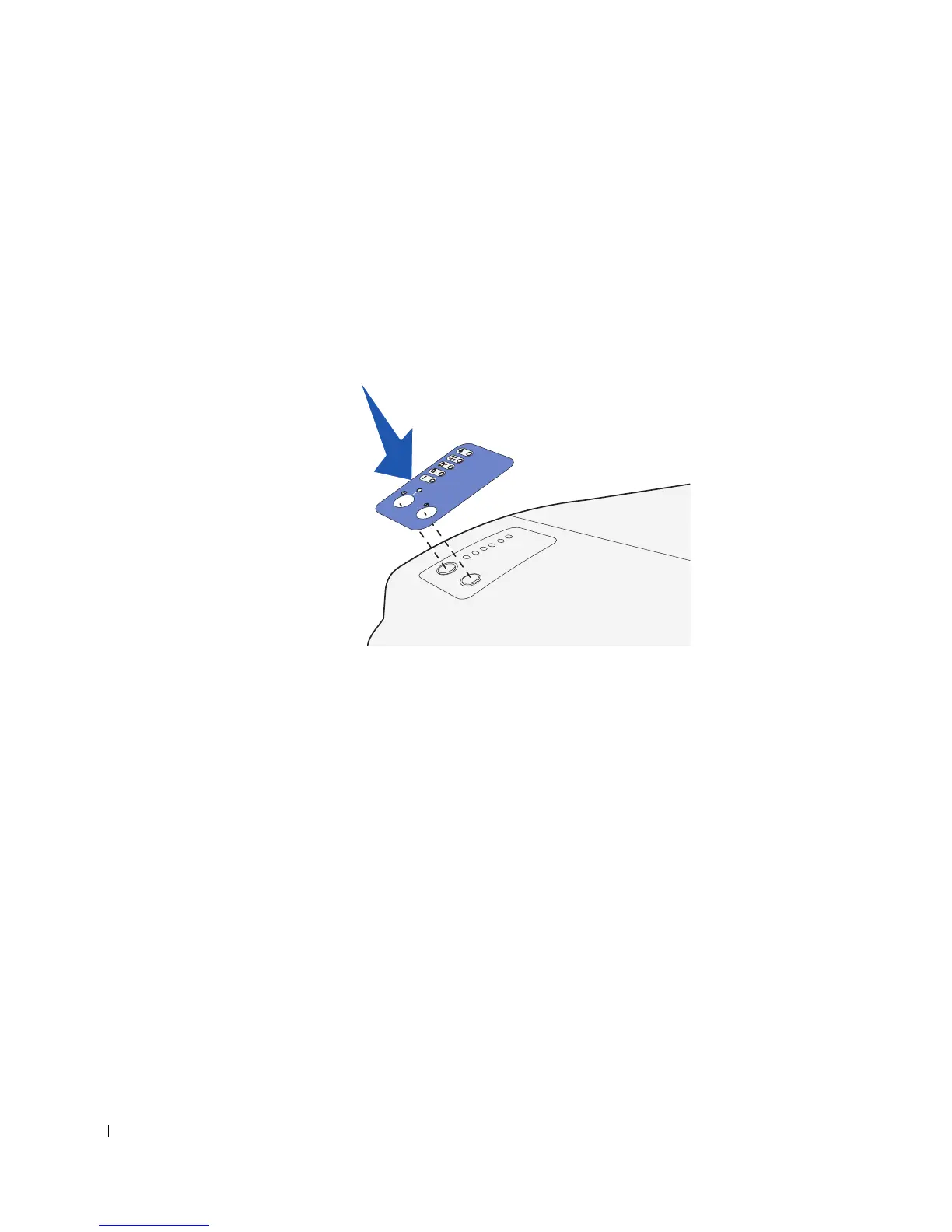
Attaching an operator panel overlay
If English is not your preferred language and your printer shipped with an operator panel
overlay, attach the overlay that has the appropriately translated light and button names:
1 Peel the protective backing off the overlay.
2 Align the holes in the overlay with the lights and buttons on the operator panel, and
then press the overlay into place.



 To Next Page