34 Load paper
www.dell.com/supplies | support.dell.com
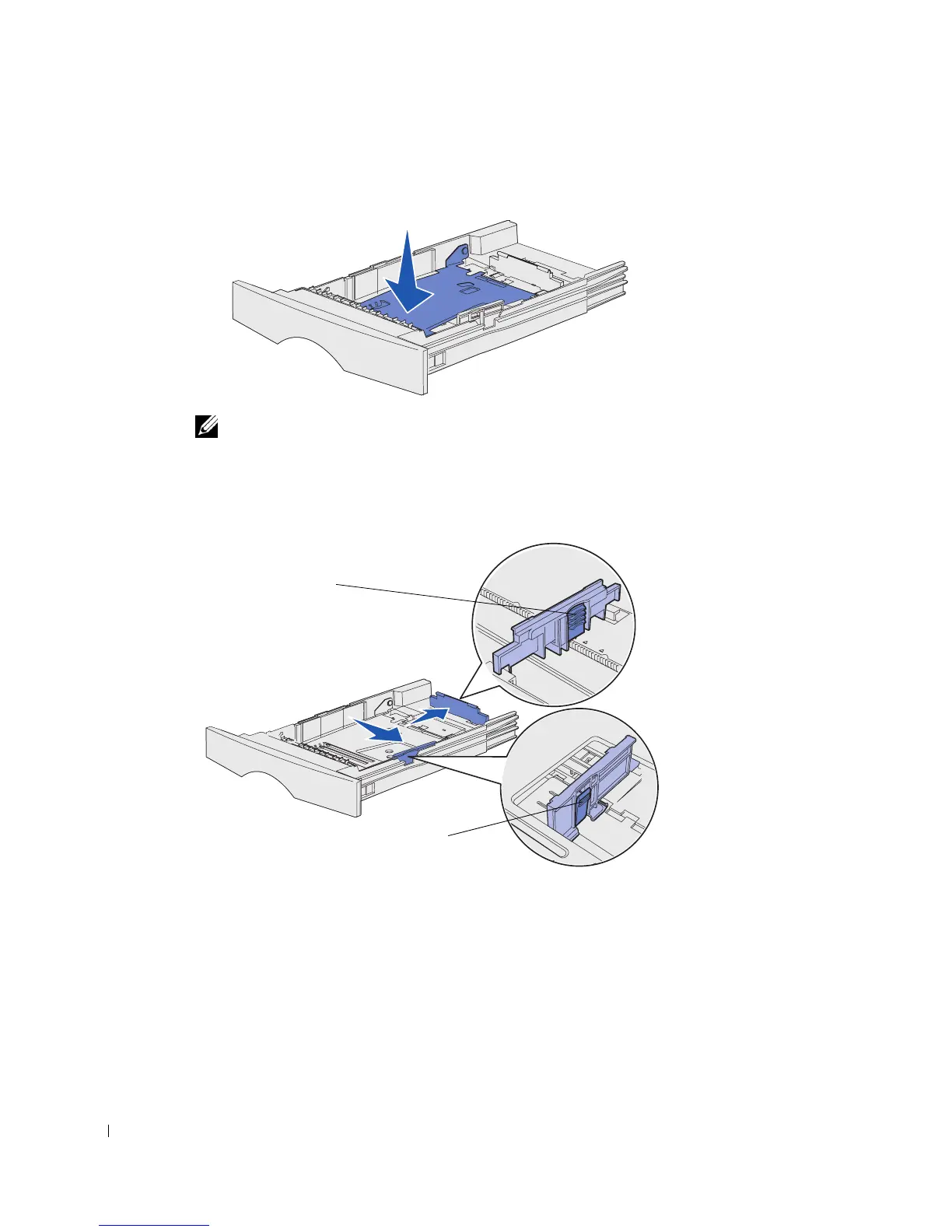
3 Press the metal plate down.
NOTE: For any tray but the optional 500-sheet tray, the length guide extends beyond the end of
the tray molding.
4
Squeeze the width guide tab and the width guide together, and then slide the guide all
the way to the right.
5 Squeeze the length guide tab and the length guide together, and then fully extend the
guide.
Length guide tab
Width guide tab



 To Next Page