Operating your monitor │ 39
Sharpness
Use to increase the sharpness and to decrease the
sharpness level between 0 to 100.
Smart HDR Smart High Dynamic Range Imaging.
This technology simulates the human visual system to
process a wider range of luminosity than traditional imaging
technique can do.
It is most suitable for displaying darkest or brightest scenes.
∞
Desktop: Smart HDR setting for computer desktop usage.
∞
Movie HDR: Smart HDR setting for movie content.
∞
Game HDR: Smart HDR setting for gaming.
∞
Display HDR: Smart HDR setting for display usage.
∞
Off: Turn off Smart HDR function.
Reset Display Select this option to restore default display settings.
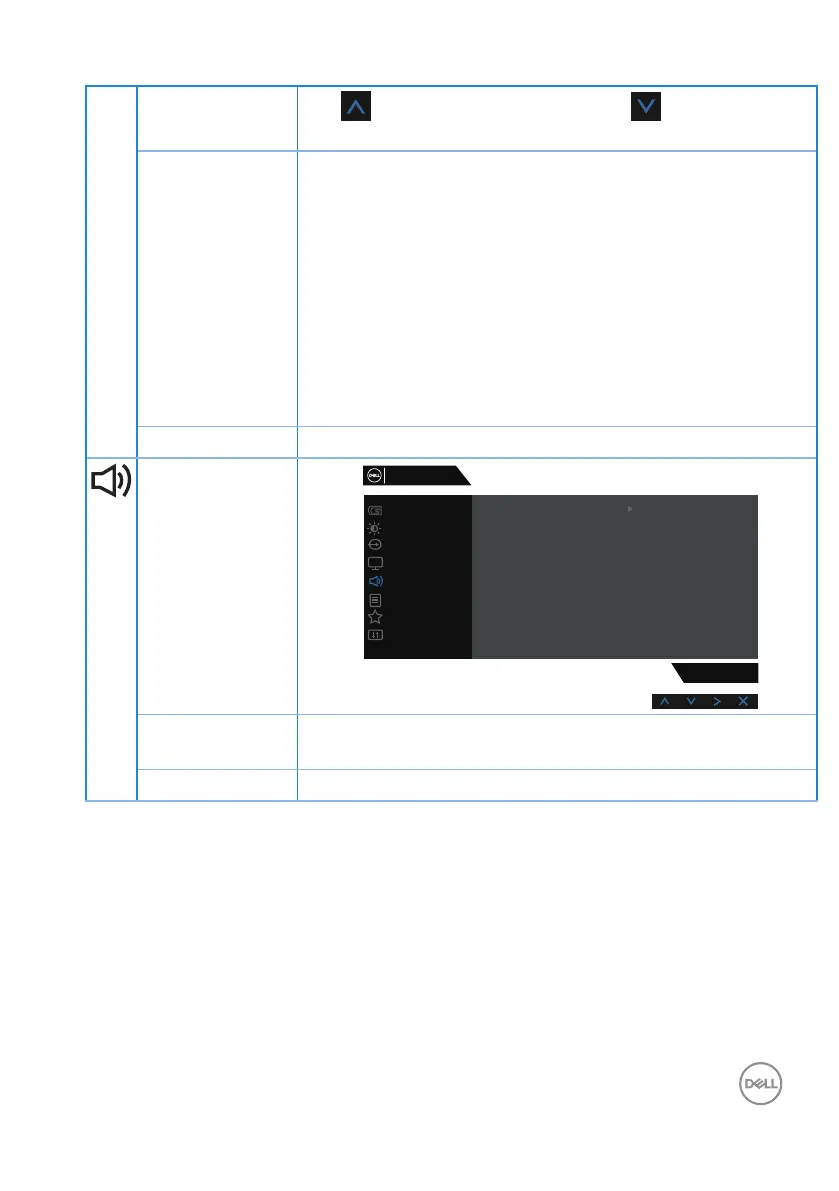
Audio
Game
Input Source
Display
Others
Personalize
Menu
Audio
Brightness / Contrast
S3220DGF
Reset Audio
Volume
50
Dell 32 Gaming Monitor
Volume Use the buttons to adjust the volume. Minimum is ‘0’ (-).
Maximum is ‘100’ (+).
Reset Audio Select this option to restore default display settings.



 To Next Page