44 │ Operating your monitor
OSD warning messages
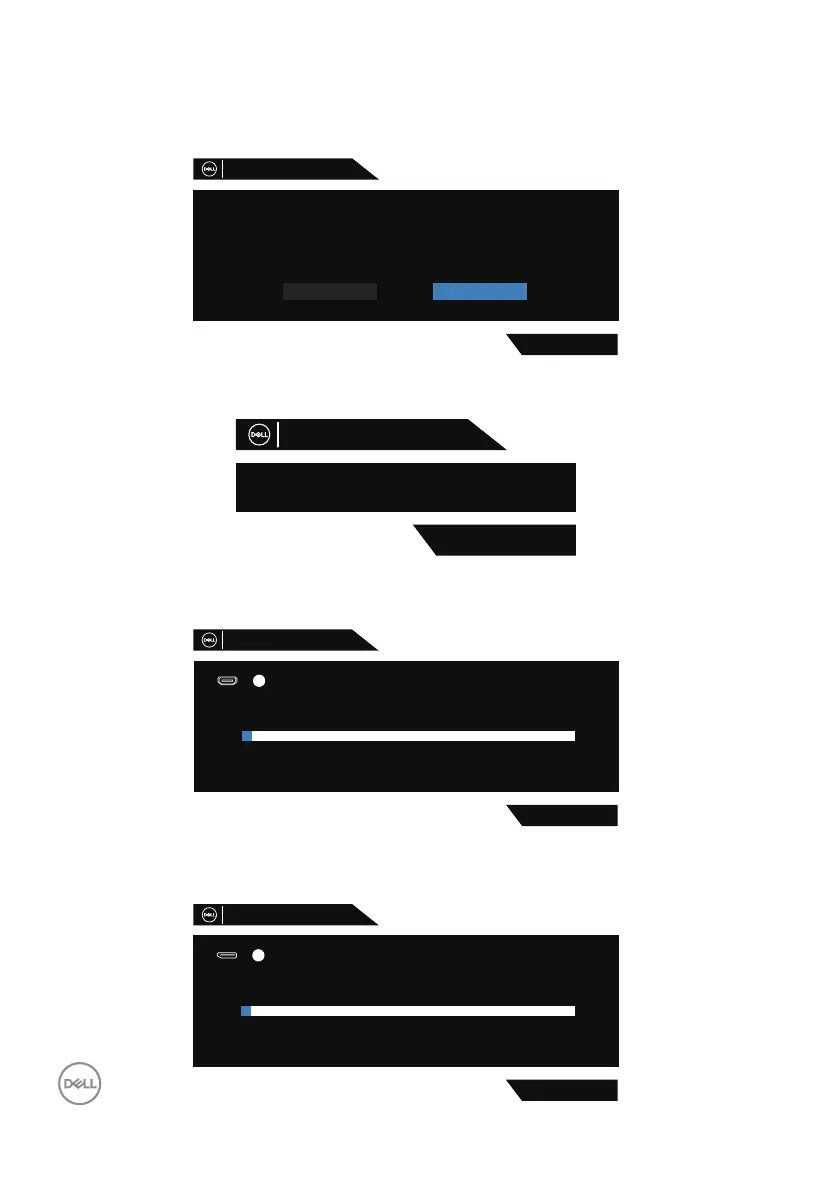
Before the DDC/CI function is disabled, the following message is displayed:
The function of adjusting display setting using PC application will be
Yes
No
disabled.
Do you wish to disable DDC/CI function?
Dell 32 Gaming Monitor
S3220DGF
When the monitor enters the Power Save Mode, the following message appears:
Entering Power Save Mode.
S3220DGF
Dell 32 Gaming Monitor
If HDMI cable is not connected, a floating dialog box as shown below appears. The
monitor will enter Power Save Mode after 4 minutes if left at this state.
S3220DGF
No HDMI 1 Cable
The display will go into Power Save Mode in 4 minutes.
www.dell.com/S3220DGF
?
Dell 32 Gaming Monitor
1
If DP cable is not connected, a floating dialog box as shown below appears. The
monitor will enter Power Save Mode after 4 minutes if left at this state.
S3220DGF
No DP Cable
The display will go into Power Save Mode in 4 minutes.
www.dell.com/S3220DGF
?
Dell 32 Gaming Monitor



 To Next Page