Operating your monitor │ 45
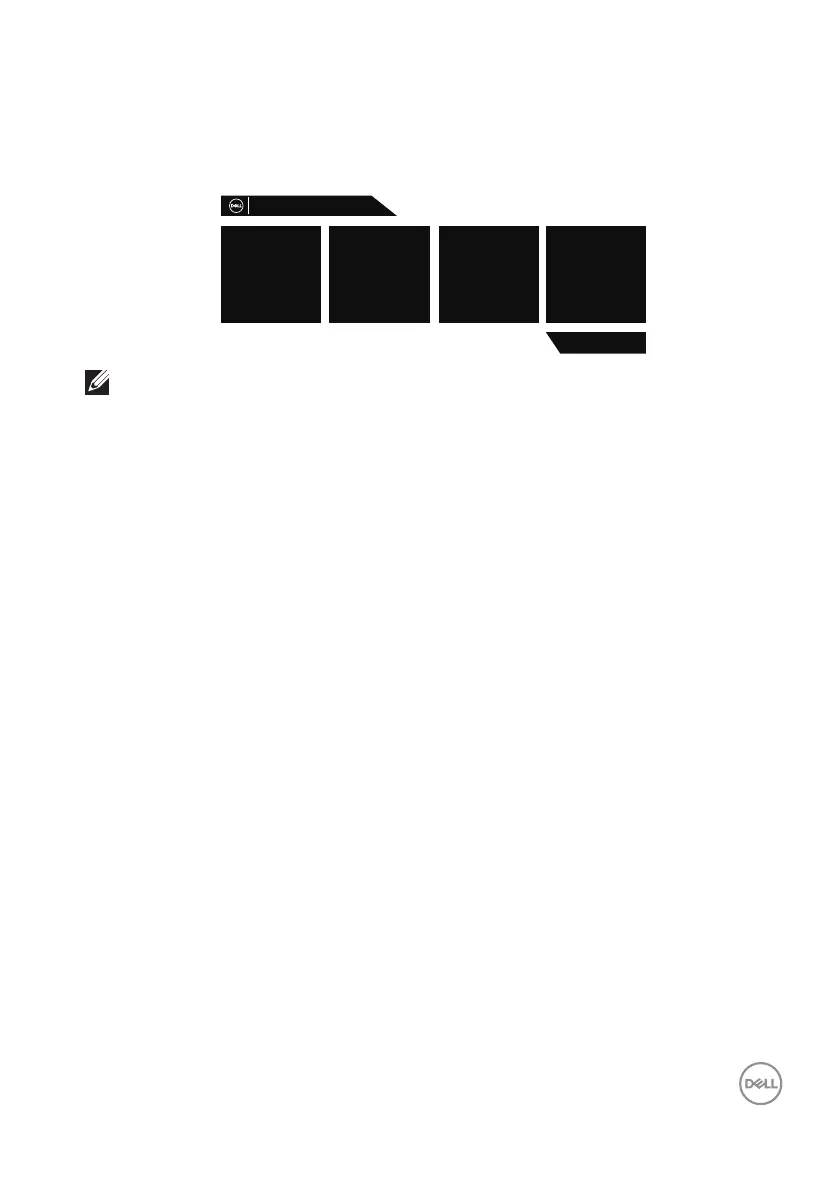
When any control button is pressed at normal display state, a brief summary dialog
box as shown below appears on the top right corner of the screen, showing the
current setting of Preset Modes, Smart HDR, Response Time, Dark Stabilizer about
the display.
S3220DGF
Preset Modes
Standard
Smart HDR
Desktop
Dark Stabilizer
0
Response Time
Fast
Dell 32 Gaming Monitor
NOTE: For more information, see Using the On-Screen Display (OSD)
menu.
See Troubleshooting for more information.



 To Next Page