42 │ Operating your monitor
Joystick Description
Joystick Description
∞ When the OSD menu is on, press the button to confirm the
selection or save the settings.
∞ When the OSD menu is off, press the button to launch the OSD
main menu. See Accessing the OSD menu.
∞ For 2-way (right and left) directional navigation.
∞ Move right to enter the submenu.
∞ Move left to exit from the submenu.
∞ Increases (right) or decreases (left) the parameters of selected
menu item.
∞ For 2-way (up and down) directional navigation.
∞ Toggles between the menu items.
∞ Increases (up) or decreases (down) the parameters of selected
menu item.
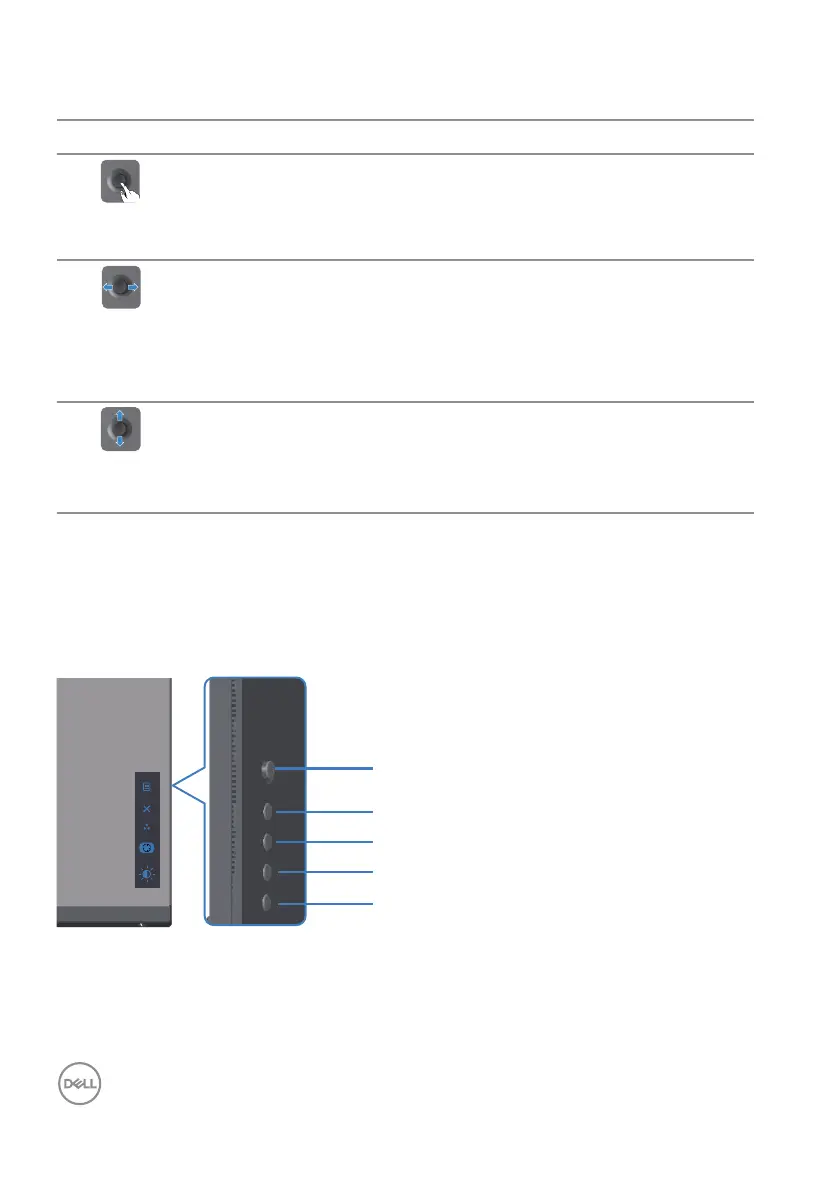
Using the rear-panel controls
Use the control buttons on the rear of the monitor to adjust the display settings. As
you use these buttons to adjust the settings, an OSD shows the numeric values of
each feature as they change.
5
4
3
2
1



 To Next Page