Operating your monitor │ 49
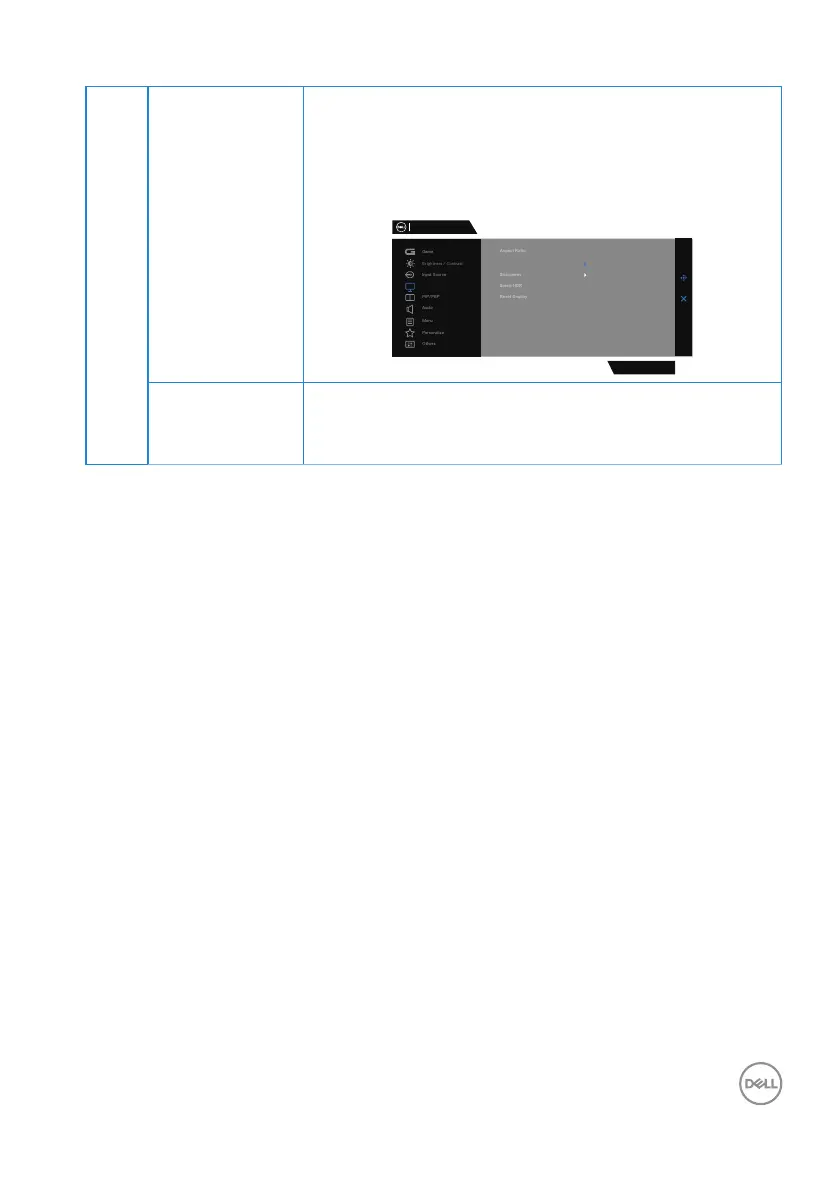
Input Color
Format
∞ RGB: Select this option if your monitor is connected
to a computer or a media player that supports RGB
output.
∞ YCbCr: Select this option if your media player sup-
ports only YCbCr output.
Dell 34 Gaming Monitor
S3422DWG
Display
Input Color Format
RGB
YCbCr
Sharpness Makes the image look sharper or softer.
Move the joystick up and down to adjust the sharpness
from ‘0’ to ‘100’.



 To Next Page