Back to Contents Page
Setting Up Your Monitor
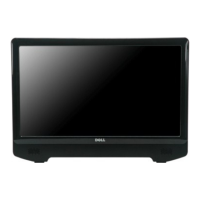
Dell™ST2220T monitor
Setting the display resolution to 1920 x 1080 (Maximum)
For optimal display performance while using the Microsoft®Windows®operating systems, set the display resolution to 1920 x 1080 pixels by performing the
following steps:
1. Right-click on the desktop and click Properties.
2. Select the Settings tab.
3. Move the slider-bar to the right by pressing and holding left-mouse button and adjust the screen resolution to 1920 X 1080.
4. Click OK.
Ifyoudonotsee1920 x 1080 as an option, you may need to update your graphics driver. Please choose the scenario below that best describes the
computer system you are using, and follow the provided directions:
1: IfyouhaveaDell™desktoporaDell™portablecomputerwithinternetaccess.
2: IfyouhaveanonDell™desktop,portablecomputer,orgraphicscard.
Back to Contents Page


 To Next Page