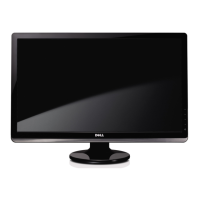
Using the Touch Screen
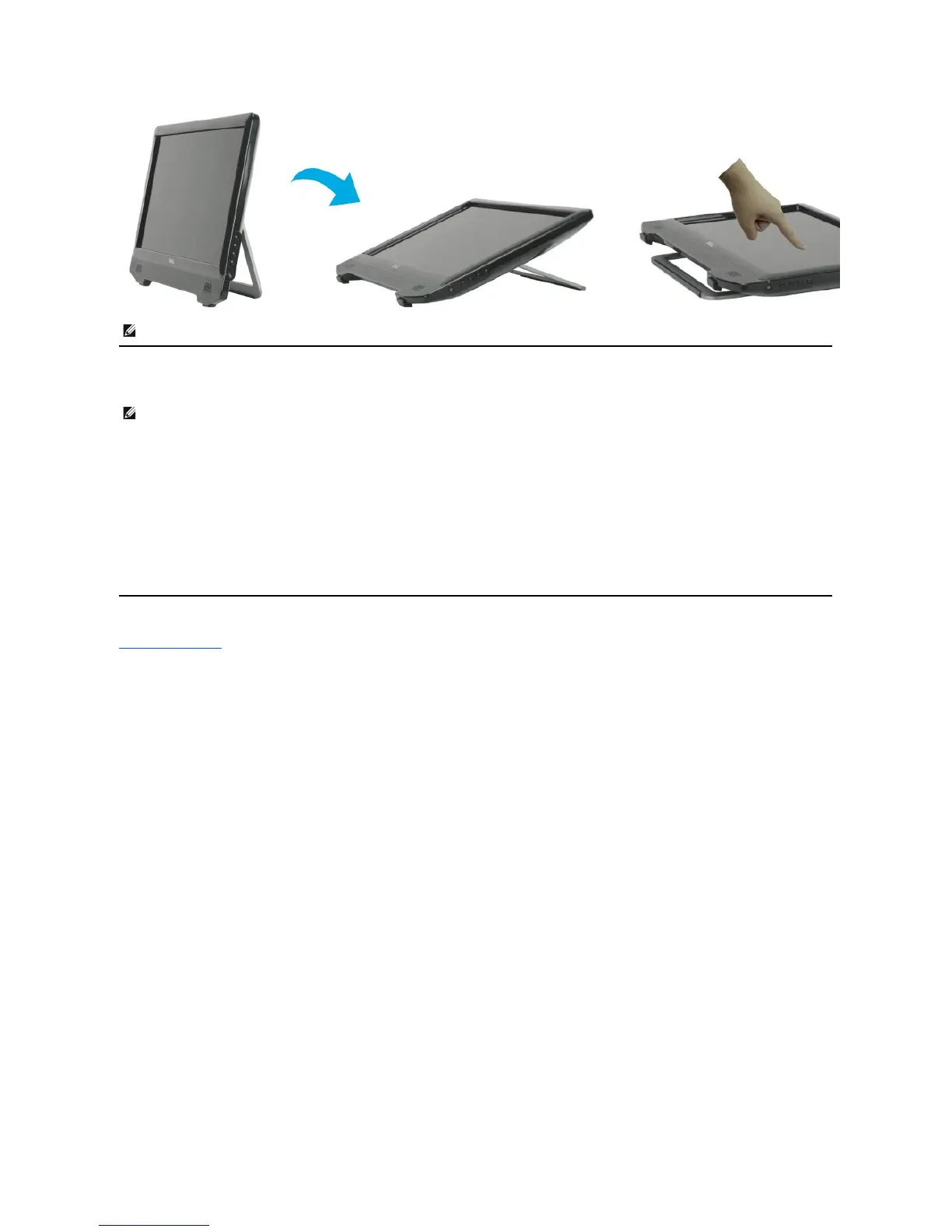
TheDell™ST2220Tmonitoristouchsensitive—you can control the computer simply by touching the screen.
The touch screen allows you to interact with the computer in a similar way to a mouse as follows:
l Tap the screen once for a single mouse click.
l Tap the screen twice in quick succession for a double mouse click.
l Touch down and then move your finger to drag an object.
l Touch and hold for a right mouse click.
l To select a menu option, touch down on the menu, then move your finger to the required option, then lift your finger to select the option. Alternatively,
tap the menu, then tap the option required as you do with a mouse.
The touch screen does not require pressure to sense a touch. For best results, point at roughly right angles to the screen and keep the rest of your hand clear
of the glass.
Back to Contents Page


 To Next Page