44 | Operating the Monitor
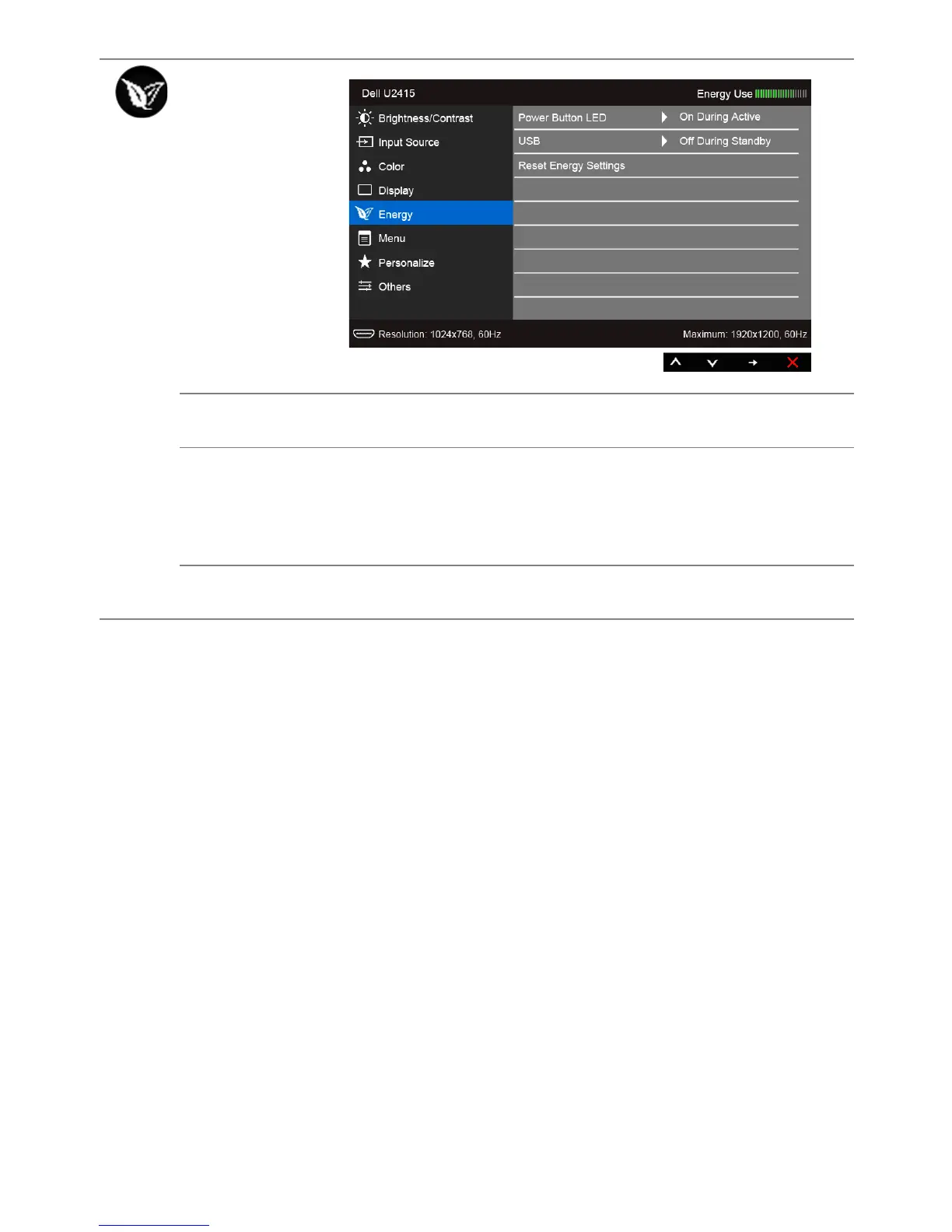
Energy
Power
Button LED
Allows you to set the power LED indicator On or Off to save energy.
USB
Allows you to enable or disable USB function during monitor standby
mode.
NOTE: USB ON/OFF under standby mode is only available when the
USB upstream cable is unplugged. This option will be greyed out when
the USB upstream cable plugs in.
Reset Energy
Settings
Select this option to restore default Energy settings.









 To Next Page