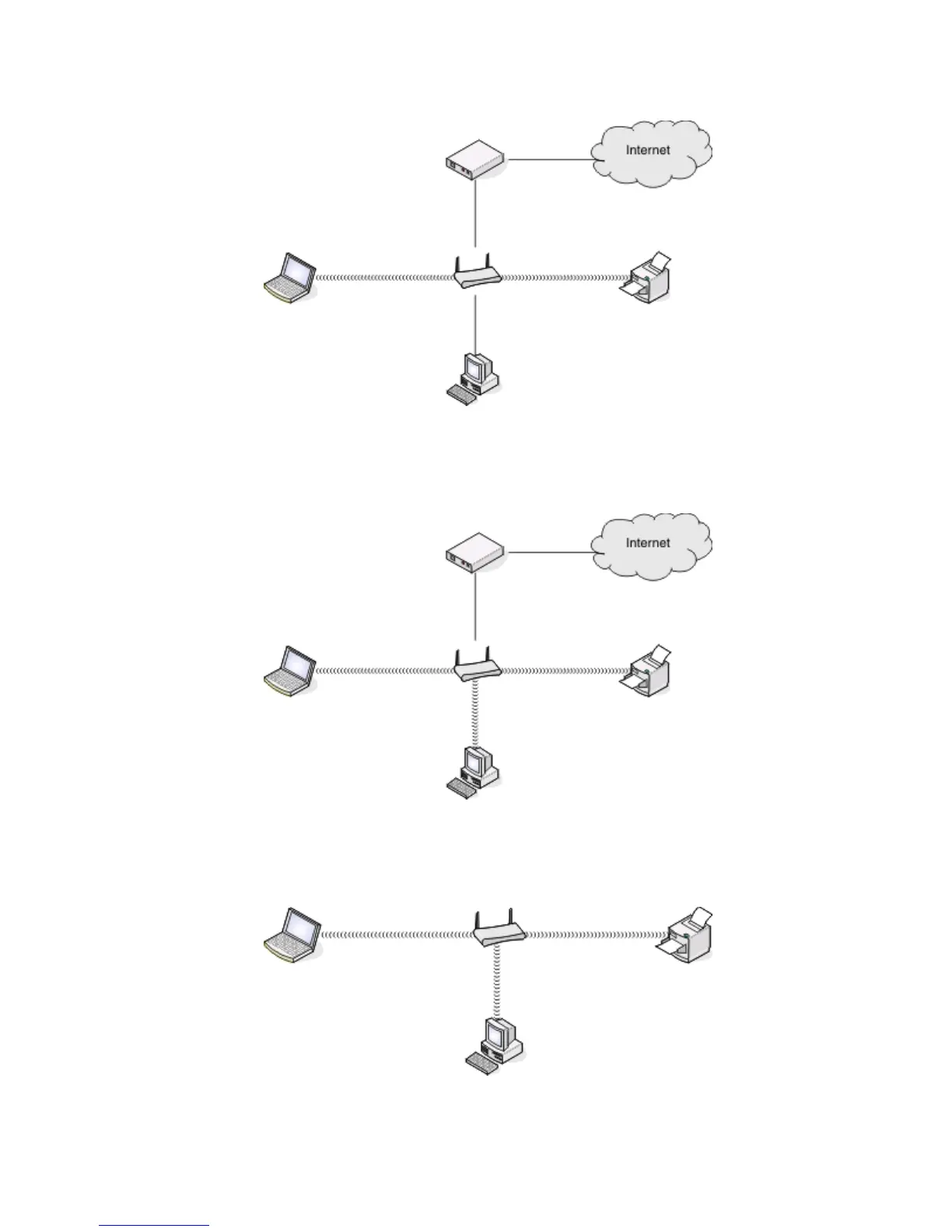
• The network is connected to the Internet through a DSL or cable modem.
Scenario 2: Wireless network with Internet access
•
All computers and printers connect to the network using a wireless access point or wireless router.
• The wireless access point connects the network to the Internet through a DSL or cable modem.
Scenario 3: Wireless network with no Internet access
•
Computers and printers connect to the network using a wireless access point.
• The network has no connection to the Internet.
Networking
104











 To Next Page