Copying
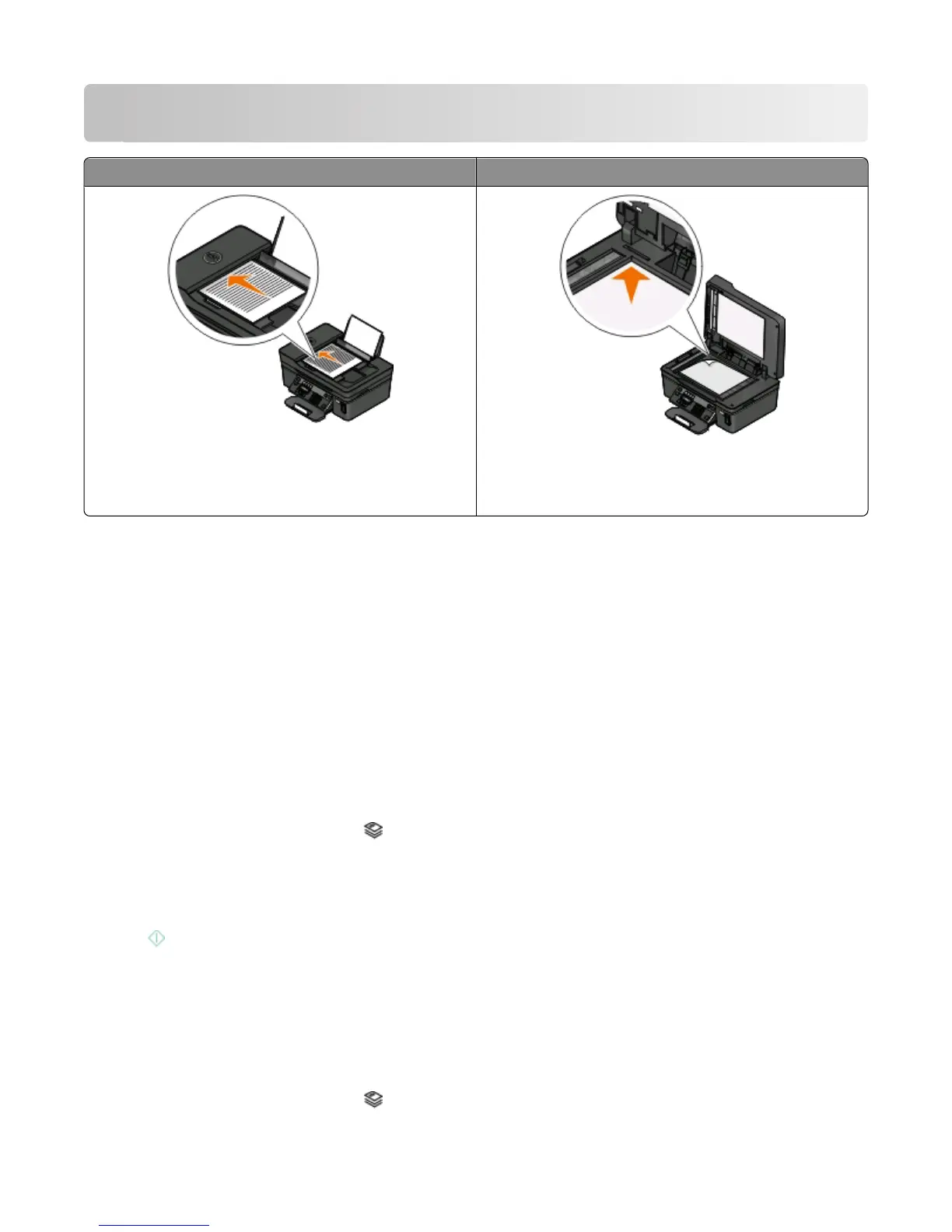
ADF Scanner glass
Use the ADF for multiple-page documents.
Note: The ADF is available only on select models. If you
purchased a printer without an ADF, then load original
documents or photos on the scanner glass.
Use the scanner glass for single pages, small items (such as
postcards or photos), transparencies, photo paper, or thin
media (such as magazine clippings).
Tips for copying
• When using the ADF, adjust the paper guide on the ADF to the width of the original document.
• When using the scanner glass, close the scanner lid to avoid dark edges on the scanned image.
• Do not load postcards, photos, small items, transparencies, photo paper, or thin media (such as magazine
clippings) into the ADF. Place these items on the scanner glass.
Making copies
1 Load paper.
2 Load an original document faceup into the ADF or facedown on the scanner glass.
3 From the printer control panel, press .
4 Press the arrow buttons to select the number of copies, and then press the Color/Black button to set a color or
black-and-white copy.
When you select color or black-only printing, the light near your choice comes on.
5 Press .
Copying photos
1 Load photo paper.
2 Place a photo facedown on the scanner glass.
3 From the printer control panel, press .
Copying
54











 To Next Page