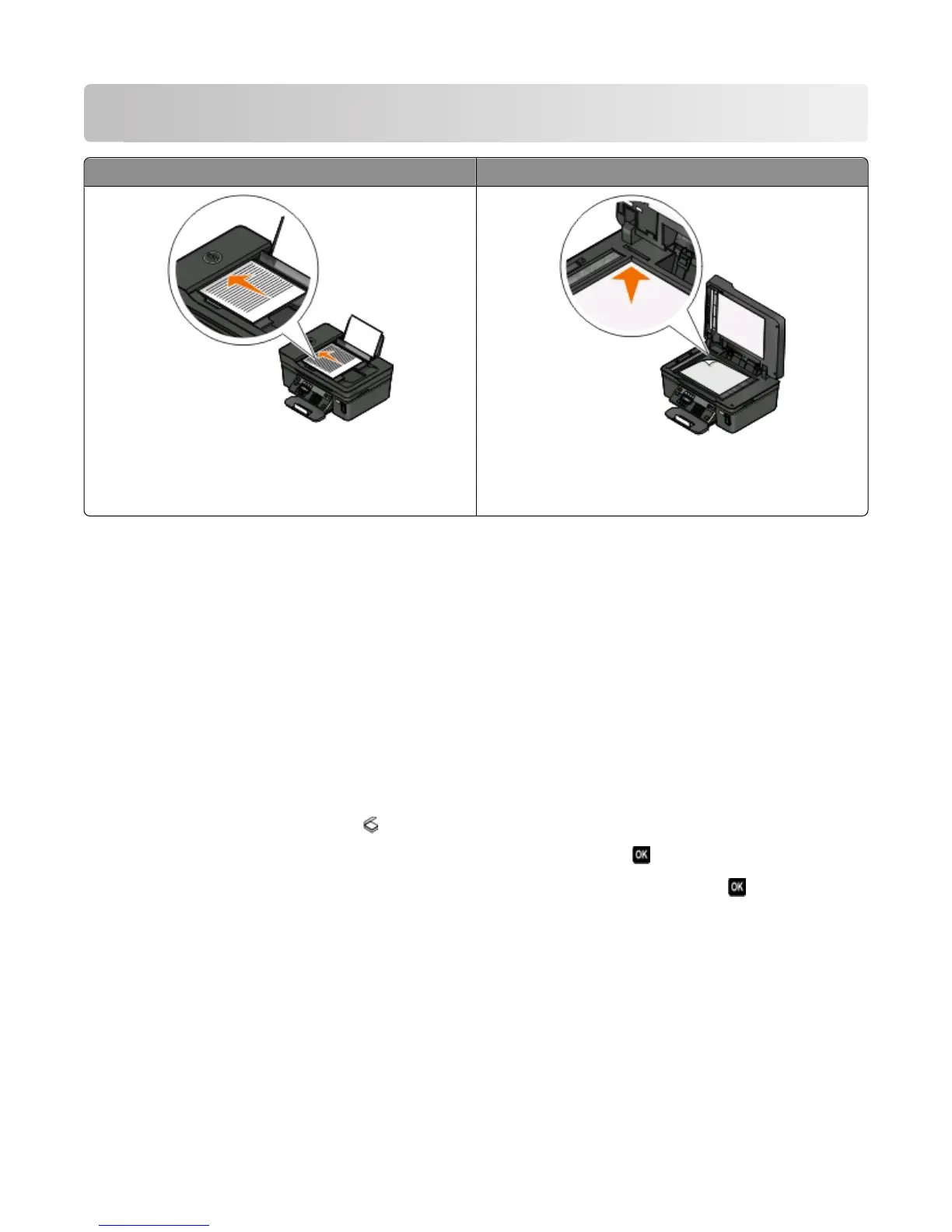
Scanning
ADF Scanner glass
Use the ADF for multiple-page documents.
Note: The ADF is available only on select models. If you
purchased a printer without an ADF, then load original
documents or photos on the scanner glass.
Use the scanner glass for single pages, small items (such as
postcards or photos), transparencies, photo paper, or thin
media (such as magazine clippings).
Tips for scanning
• When using the ADF, adjust the ADF paper guide to the width of the original document.
• When using the scanner glass, close the scanner lid to avoid dark edges on the scanned image.
• Do not load postcards, photos, small items, transparencies, photo paper, or thin media (such as magazine
clippings) into the ADF. Place these items on the scanner glass.
• Select the PDF file type if you want to scan multiple pages and save them as one file.
Scanning to a local or network computer
1 Load an original document faceup into the ADF or facedown on the scanner glass.
2 From the printer control panel, press .
3 Press the arrow buttons to scroll to Computer or Network, and then press .
4 Press the arrow buttons to select the name of a local or network computer, and then press .
The local or network computer is the destination that will receive the scan. Wait until the printer has finished
downloading a list of the scan applications available on the selected computer.
Notes:
• If the printer is connected only to a local computer, then the printer will automatically download a list of the
scan applications.
• You may be prompted to enter a PIN if the computer requires it. Enter the PIN using the keypad.
• To assign a computer name and a PIN to the computer, see the Help for the printer software associated with
your operating system.
Scanning
59











 To Next Page