Working with photos
Supported file types
Documents:
• .pdf (Adobe Portable Document Format)
Images:
• .jpg, .jpeg, .jpe (Joint Photographic Experts Group)
• .tiff, .tif (Tagged Image File Format)
Using a flash drive with the printer
Make sure the flash drive contains files that are supported by the printer. For more information, see “Supported file
types” on page 46.
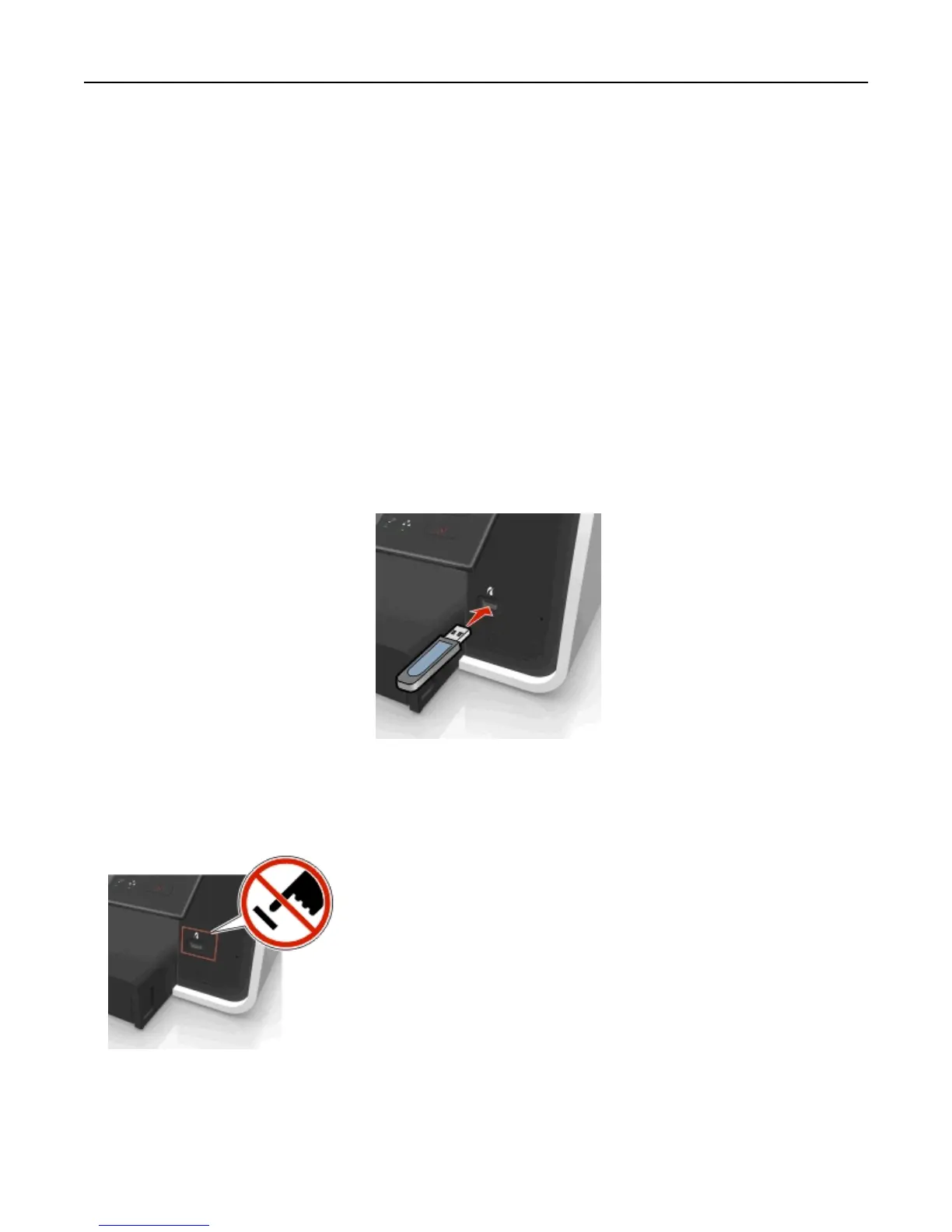
1 Insert a flash drive into the USB port.
Notes:
• The flash drive uses the same port that is used for a PictBridge camera cable.
• An adapter may be necessary if your flash drive does not fit directly into the port.
Warning—Potential Damage: Do not touch any cables, any network adapter, any
connector, the memory device, or the printer in the areas shown while actively
printing, reading, or writing from the memory device. A loss of data can occur.
2 Follow the instructions or select from available options on the printer display.
Note: If the printer does not recognize the memory device, then remove and reinsert it.
Printing 46












 To Next Page