4. Install the:
a) palmrest
b) keyboard
c) base cover
d) battery
5. Follow the procedures in
After Working Inside Your Computer
.
Removing the LAN Board
1. Follow the procedures in
Before Working Inside Your Computer.
2. Remove the:
a) SD Card
b) express card
c) battery
d) base cover
e) optical drive
f) hard drive
g) keyboard
h) display hinge cover
i) palmrest
j) system board
k) WLAN card
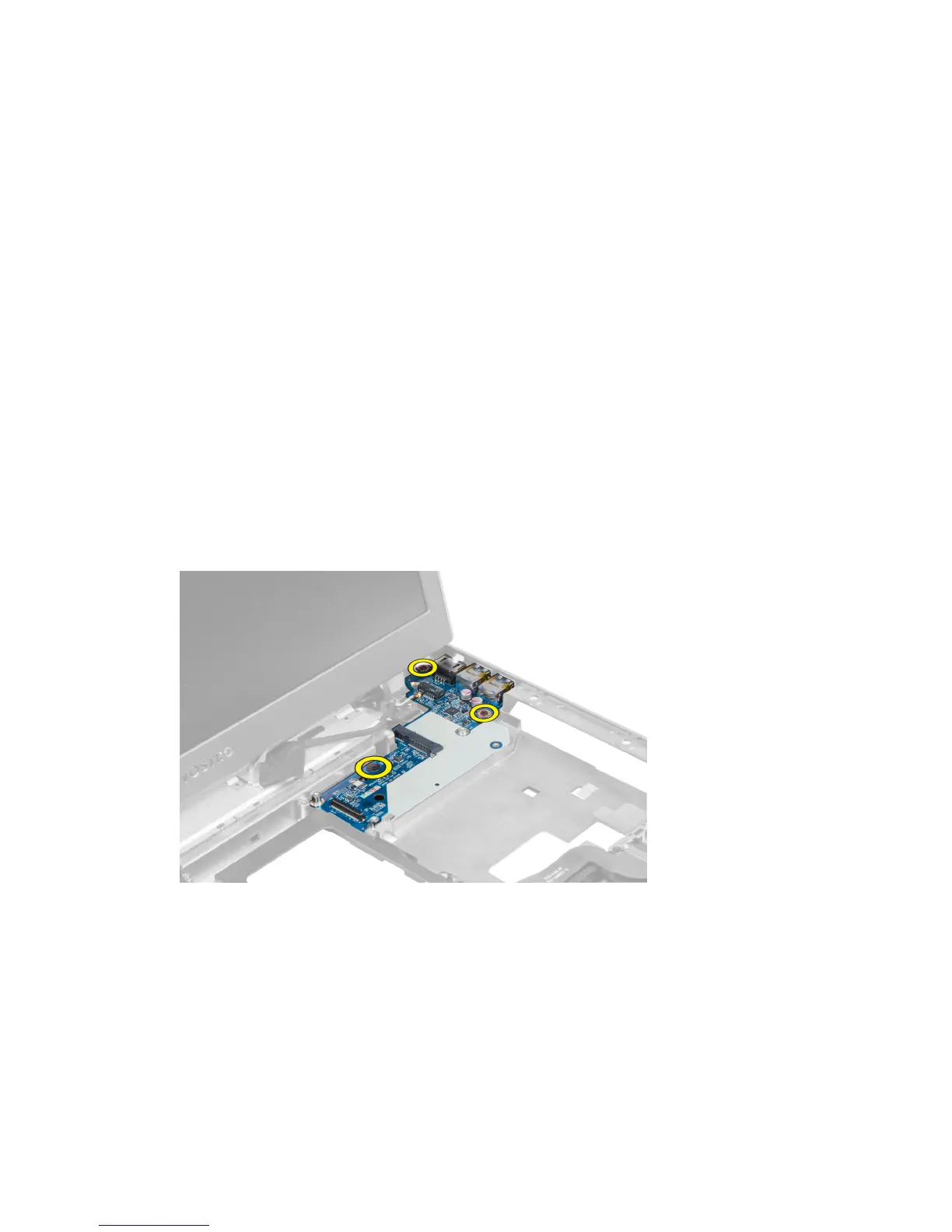
3. Remove the screws that secure LAN board in place.
4. Lift up to remove the LAN board from the chassis.
37





 To Next Page