j) optical drive
k) memory
l) base cover
m) battery
n) express card
o) SD card
3. Follow the procedures in
After Working Inside Your Computer
.
Removing the Display Bracket
1. Follow the procedures in
Before Working Inside Your Computer
.
2. Remove the:
a) SD card
b) express card
c) battery
d) base cover
e) optical drive
f) hard drive
g) keyboard
h) display hinge cover
i) palmrest
j) express card reader
k) system board
l) LAN board
m) display assembly
n) display bezel
o) camera
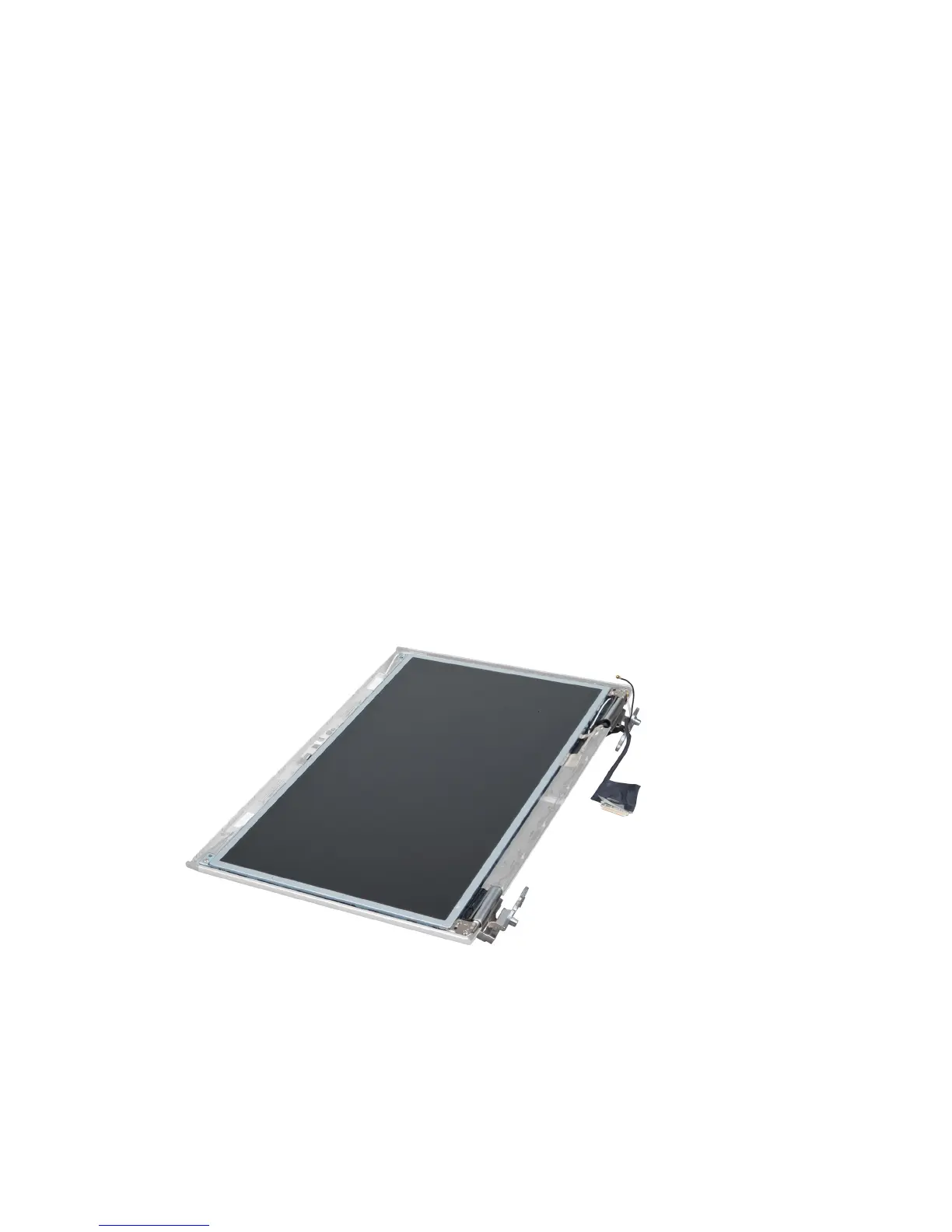
3. Remove the screws that secure the display brackets to the display assembly
47















 To Next Page