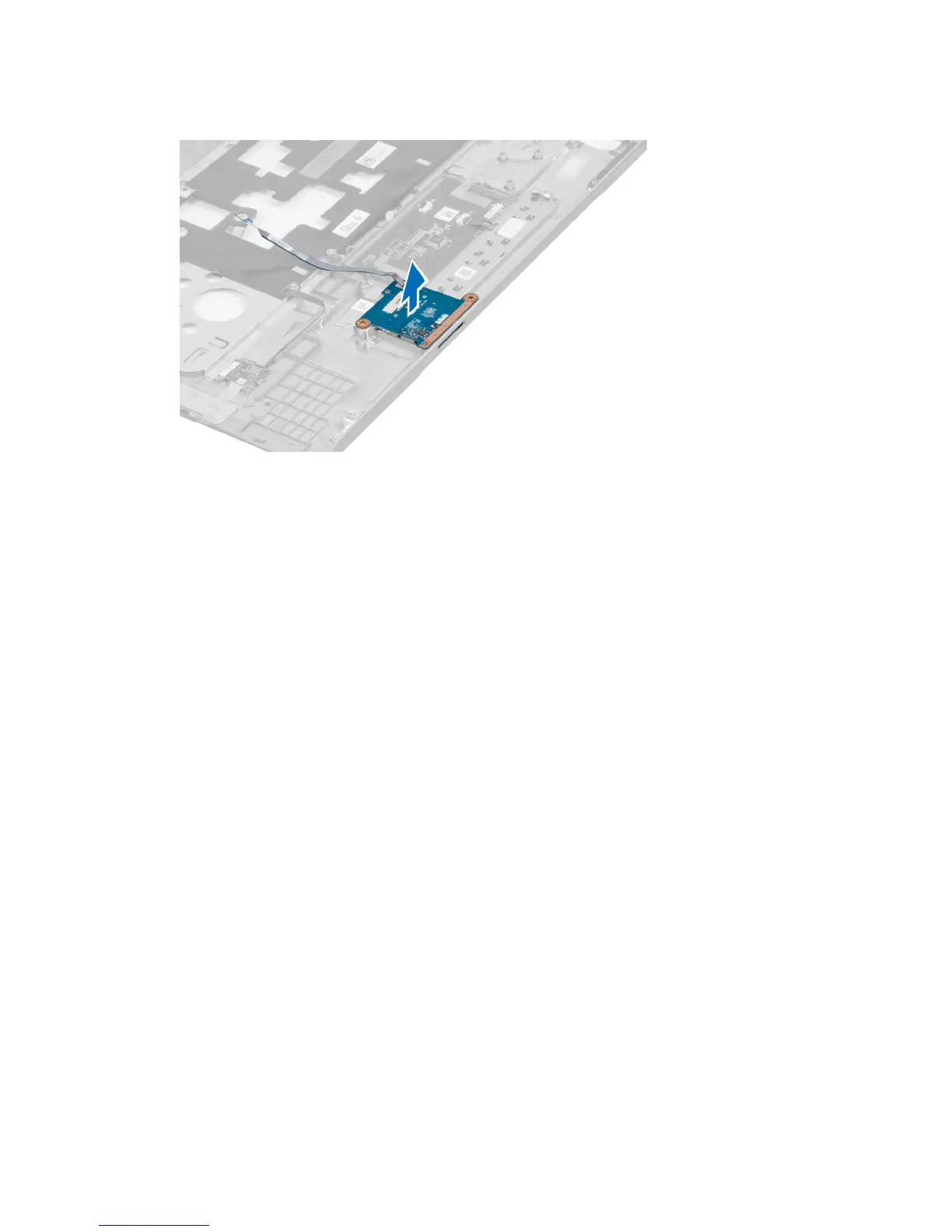
5. Lift up and remove the SD card reader from the system.
Installing the Secure Digital (SD) Card Reader
1. Place the SD card reader into the place.
2. Tighten the screw to secure the SD card reader to the computer.
3. Install the:
a) palmrest
b) display hinge cover
c) keyboard
d) hard drive
e) optical drive
f) base cover
g) battery
h) express card
i) SD card
4. Follow the procedures in
After Working Inside Your Computer
.
Removing the Display Assembly
1. Follow the procedures in
Before Working Inside Your Computer
.
2. Remove the:
a) SD card
b) express card
c) battery
d) base cover
e) memory
f) optical drive
g) hard drive
h) keyboard
i) display hinge cover
j) palmrest
41















 To Next Page