2. Remove the back cover.
3. Remove the bottom cover.
4. Remove the stand.
5. Remove the hard drive.
6. Remove the system-board shield.
7. Remove the system board.
About this task
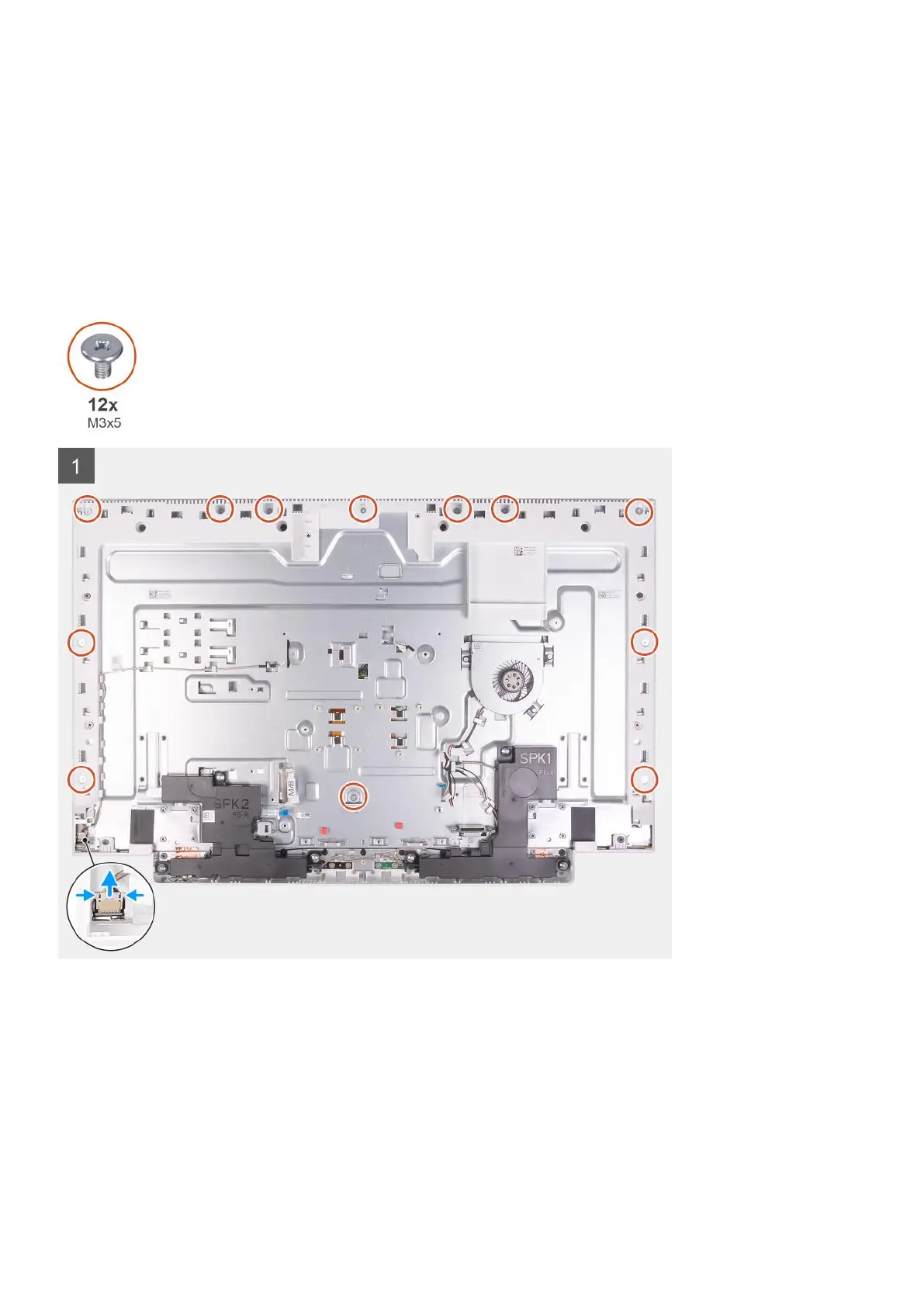
The following image indicates the location of display panel and provides a visual representation of the removal procedure.
Removing and installing components 53









 To Next Page