Steps
1. Press and slide the release button up.
2. Hold the button in the release position, and lift the stand upward.
3. Slide the stand downward, to lift the stand off the back cover.
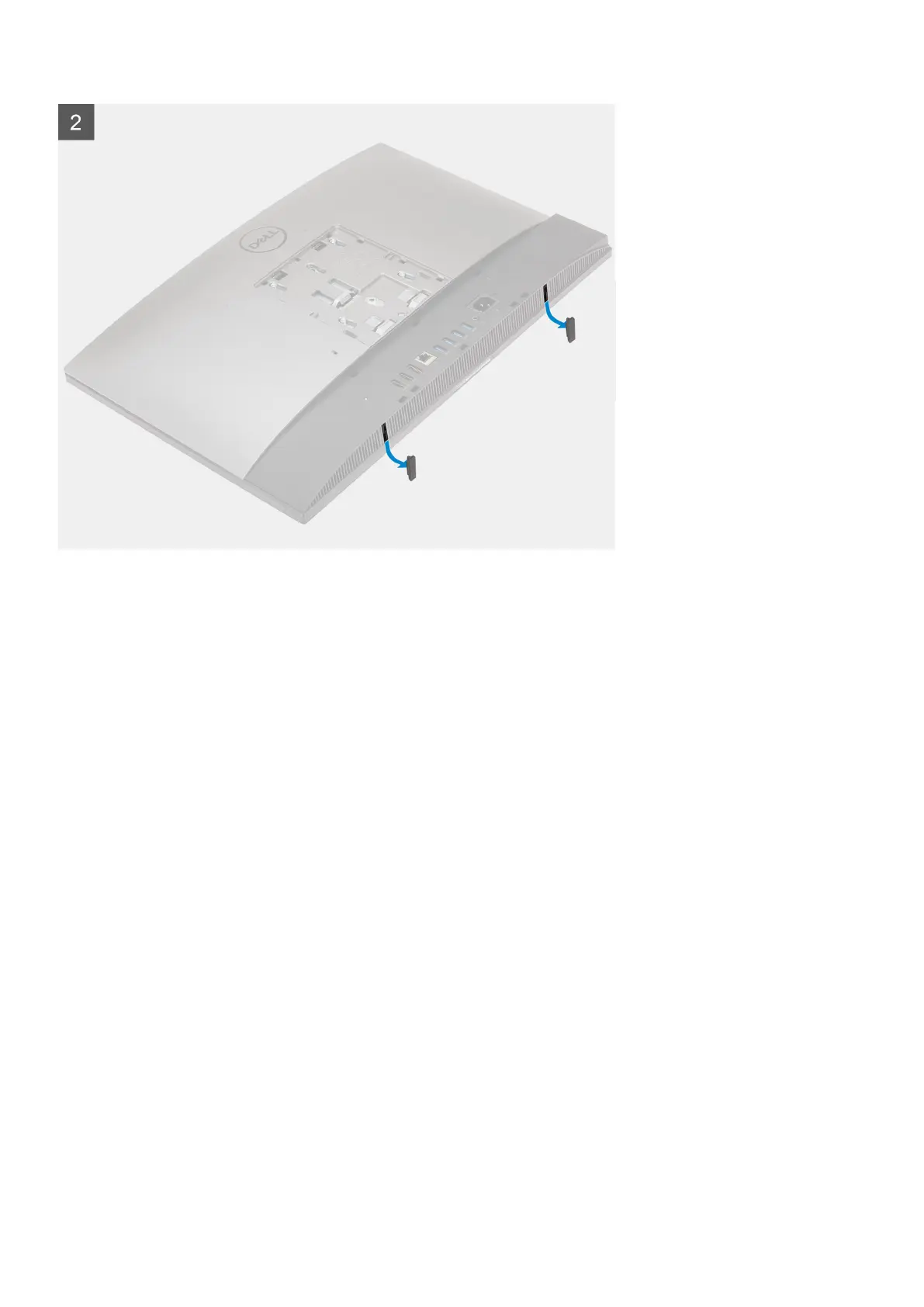
4. Pry the rubber feet from the bottom cover and pull it out.
Installing the articulating stand
Prerequisites
If you are replacing a component, remove the existing component before performing the installation procedure.
About this task
The following image provides a visual representation of the articulating stand installation procedure.
Removing and installing components
13



 To Next Page