Steps
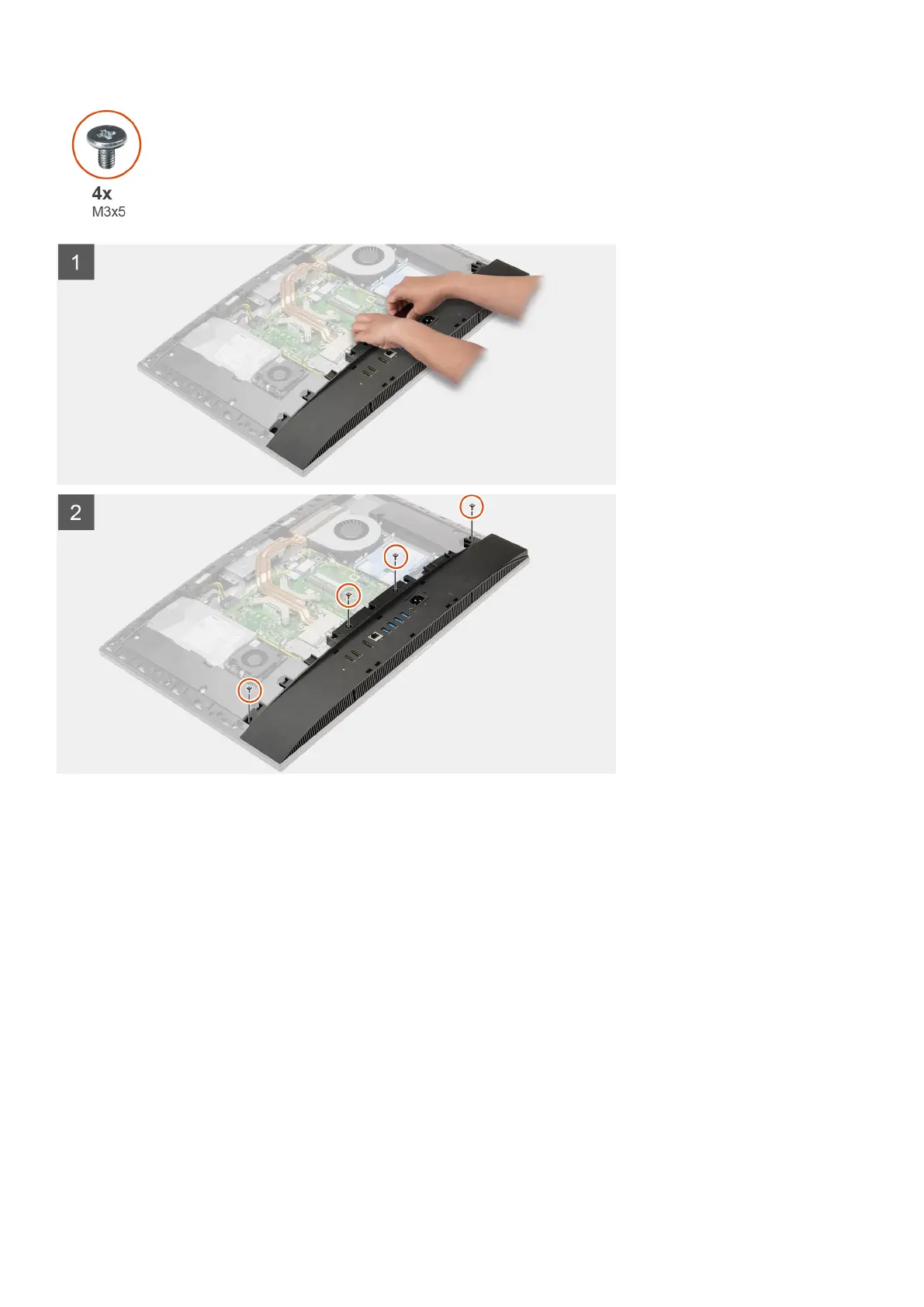
1. Align the screw holes on the bottom cover with the screw holes on the display-assembly base.
2. Replace the four screws (M3x5) to secure the bottom cover to the display-assembly base.
Next steps
1. Install the system-board shield.
2. Install the back cover.
3. Install the cable cover (optional).
4. Install the stand.
5. Follow the procedure in After working inside your computer.
Power-supply unit
Removing the power-supply unit (PSU)
Prerequisites
1. Follow the procedure in Before working inside your computer.
44
Removing and installing components



 To Next Page