6 About Your TV
www.dell.com | support.dell.com
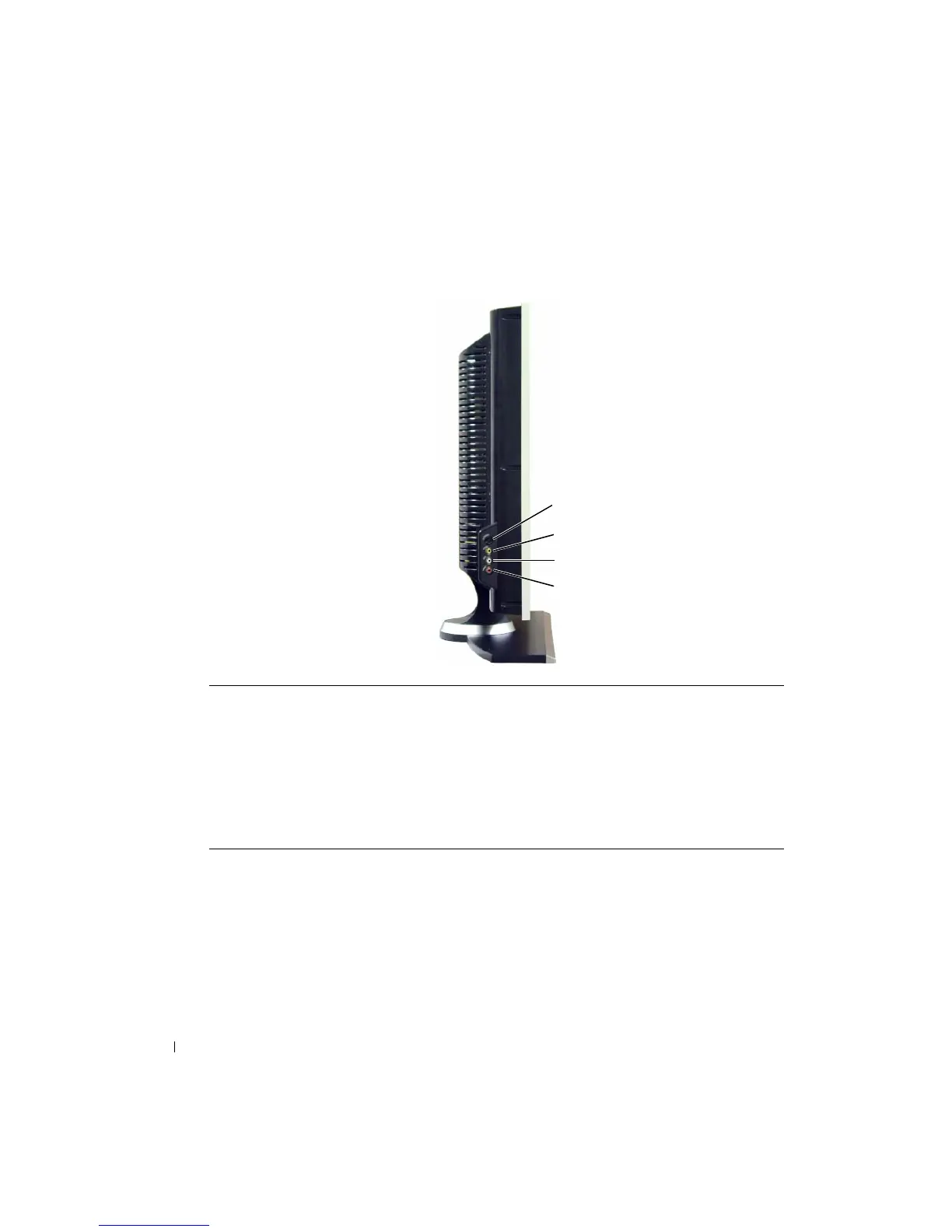
Left View
1 S-Video connector (AV Side) Connect devices such as a video game system, a digital camera,
or a DVD player
2 Composite video connector
(AV Side)
Connect devices such as a VCR or DVD player
3 Audio connector (Left) Use this connector if you have connected a device to the
composite video connector or the S-Video connector
4 Audio connector (Right) Use this connector if you have connected a device to the
composite video connector or the S-Video connector
1
2
3
4


 To Next Page