12 Setting Up Your TV
www.dell.com | support.dell.com
Connecting Your TV
The tables below provide a description of the connectors on your TV to help you decide which
connectors to use for your various video devices.
NOTE: Before you connect your TV , ensure you have all the proper cables. Some cables may come with
the device you are connecting. For a list of cables that came with your TV, see Package Contents on
page 8. To order additional cables, contact Dell.
Connecting Your Cable TV Box or Antenna
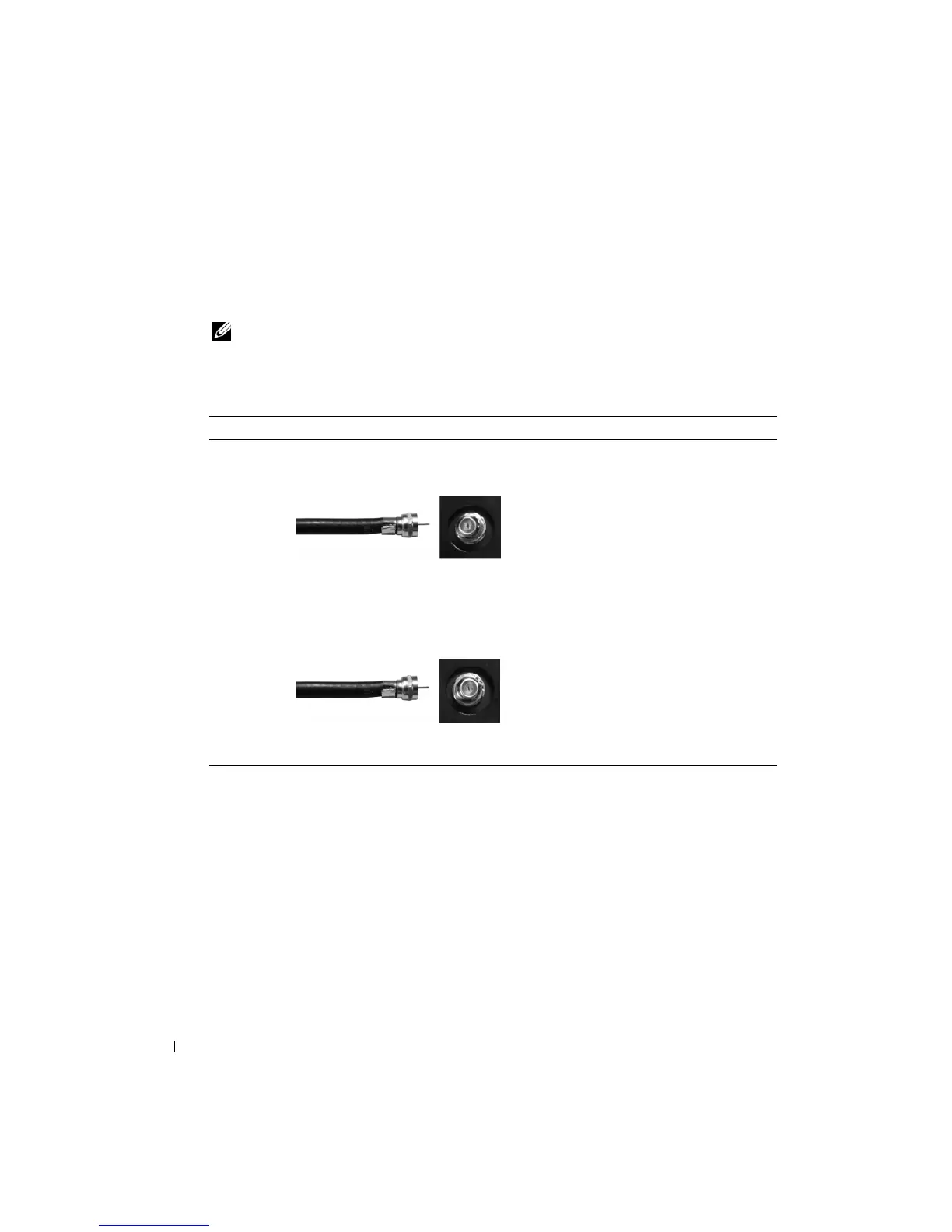
Quality Cable and Connector When to Use
Good Coaxial cable / NTSC/ANALOG Coaxial (RF) cable carries the analog video
and audio signal from the antenna or cable
connector to your TV. The coaxial connector
is labeled NTSC/ANALOG. To locate the
NTSC connector, see "Bottom View" on
page 7.
Better Coaxial cable / HDTV/DIGITAL The Coaxial cable carries the digital video
and audio signal from the antenna connector
to your TV. The coaxial connector is labeled
HDTV/DIGITAL. To locate the HDTV
connector, see "Bottom View" on page 7.


 To Next Page