Steps
1. Download Plantronics Hub for Windows/Mac at poly.com/software or visit www.dell.com/support.
2. To update your headset firmware, dock your headset in the charge stand and plug it directly into your computer. Disconnect
your headset from other devices; this includes unplugging your USB adapter from the computer.
3. Open Plantronics Hub for Windows/Mac and check the Updates tab for firmware update alerts.
NOTE:
● Do not answer or place a call during the update
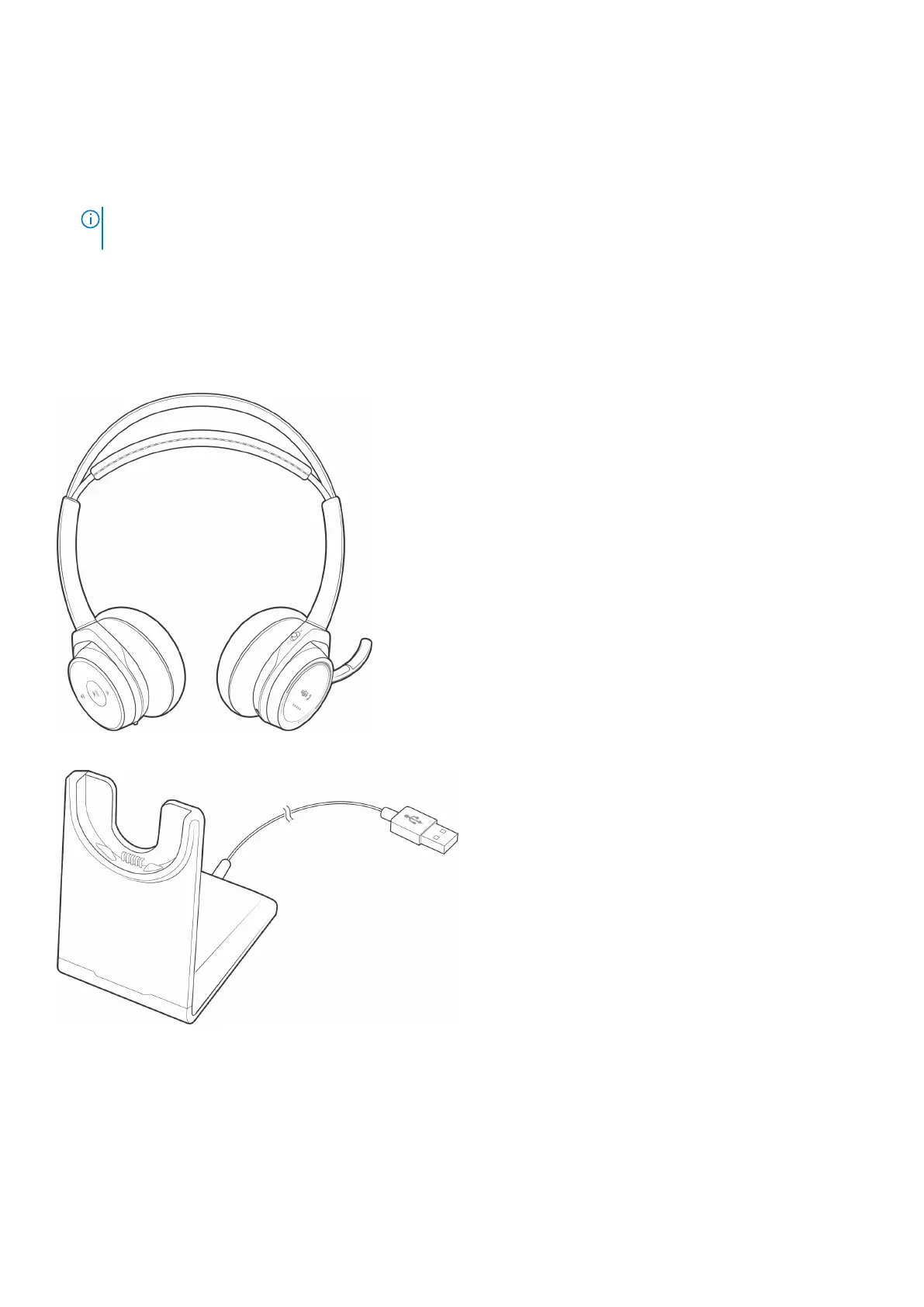
What's in the box
Contents may vary by product.
Headset
Charging stand
Micro USB cable
More Features
19



 To Next Page