Table 1. Controls (continued)
Power button
Bluetooth pair button
NOTE: *Functionality varies by application. Does not function with web-based apps.
Charge stand (charge stand model only)
NOTE: The charge stand plugs into a computer or wall charger's USB port.
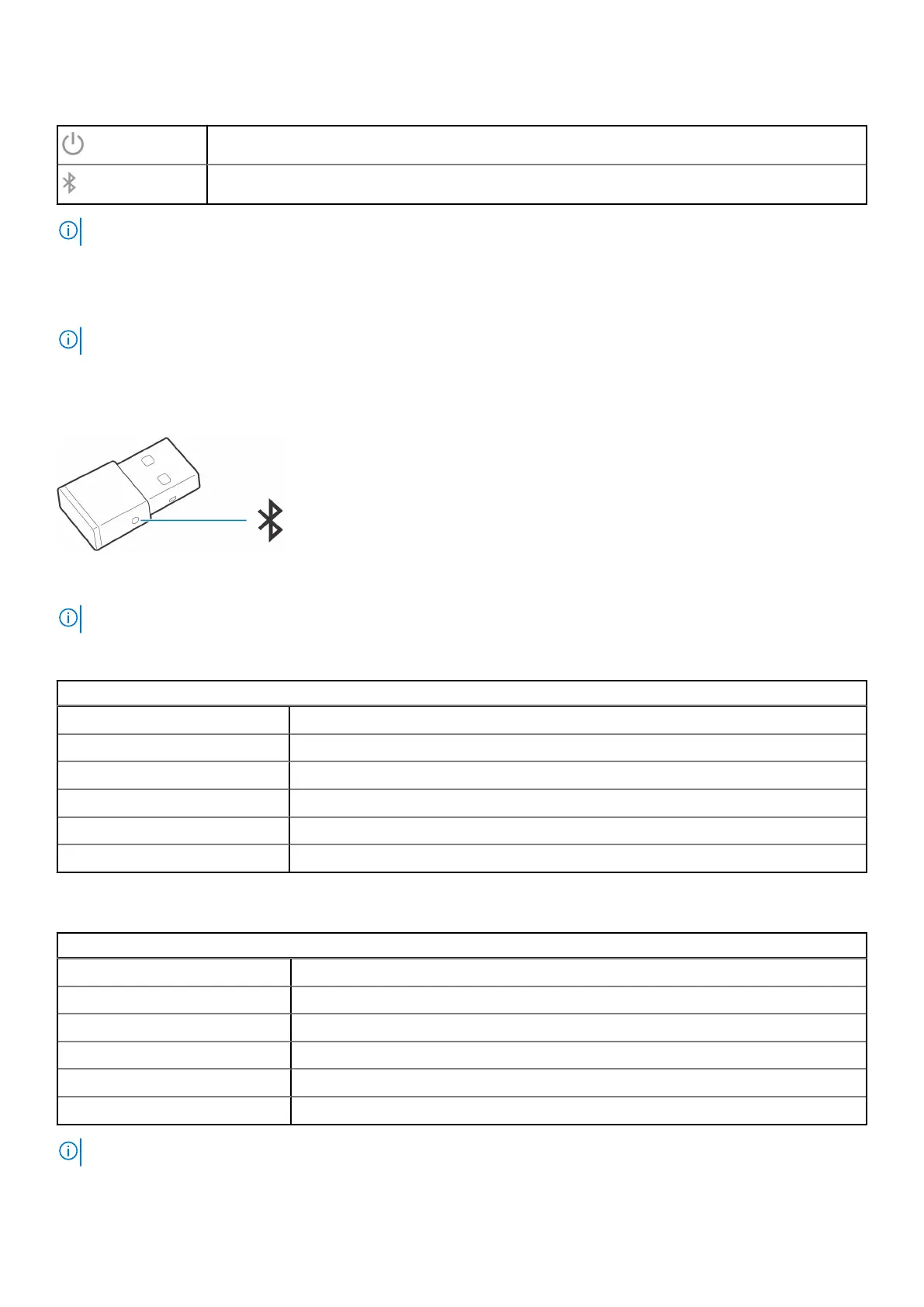
USB Bluetooth adapter
Your high-fidelity Bluetooth USB adapter comes pre-paired to your Poly device. Plug it into your computer to connect to
computer audio.
NOTE: Adapter design may vary
Table 2. USB LED codes
Standard LEDs
USB LEDs What they mean
Flashing red and blue Pairing
Solid blue Headset connected
Flashing blue On a call
Solid red Mute active
Flashing purple Streaming media from computer
Table 3. LED codes for Teams
LEDs when Microsoft Teams* is detected
USB LEDs What they mean
Flashing red and blue Pairing
Solid purple Microsoft Teams connected
Flashing blue On a call
Solid red Mute active
Pulsing purple Microsoft Teams notification
NOTE: *Requires Microsoft Teams desktop application
6 Overview



 To Next Page