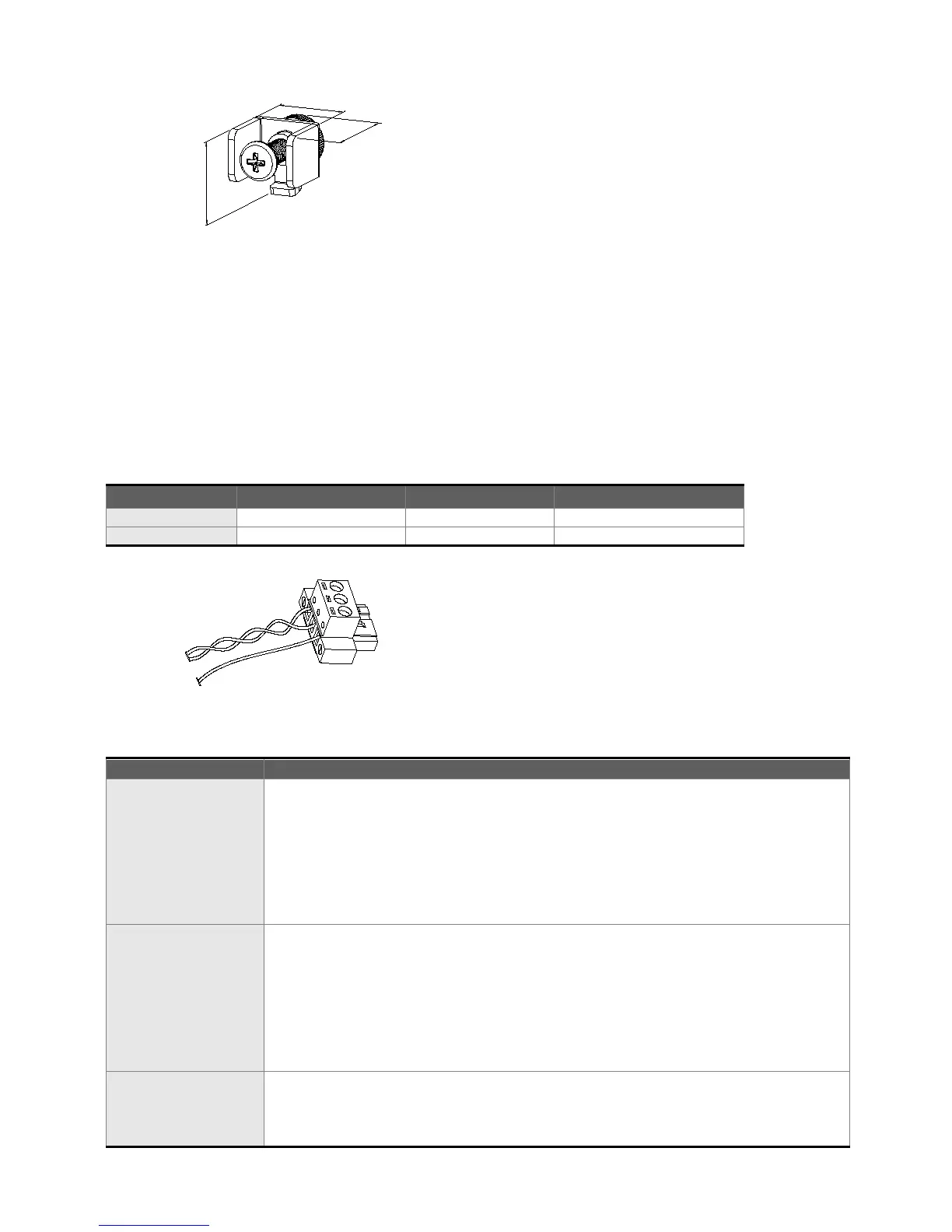
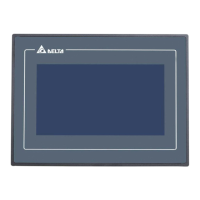
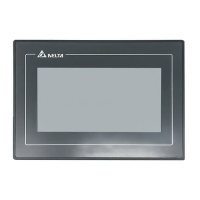
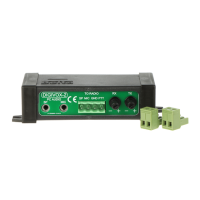
The size of the fastener.
Wiring
Please observe the following wiring notes while performing wiring.
Wiring Notes
To prevent electric shock, do not change wiring when the power is connected and has not
been turned off.
Because there is no power switch on the HMI, ensure that an interrupter switch is attached on
its power cable.
Please use shielded twisted-pair cables for wiring.
Recommended wiring is in the table below:
Be sure to perform wiring by referring to the following figure (power supply connector).
Periodically inspect the screws of the connection between the HMI and
device. Tighten screws as necessary as they may loosen due to vibration
and varying temperatures.
Ensure that oil, water, metallic particles or any foreign objects do not fall
inside the HMI, control panel or ventilation slots and holes. As these will
cause damage.
Ensure the correct installation and the control panel. It should be free
from airborne dust, harmful gases or liquids.
Inspection before
operation (power is
not applied)
Ensure that all wiring terminals are correctly insulated.
Ensure that all wiring is correct or damage and or malfunction may result.
Visually check to ensure that there are not any unused screws, metal
strips, any conductive or inflammable materials inside HMI.
Ensure to lower electromagnetic interference when devices are influenced
by it.
Ensure that the external applied voltage to HMI is correct and matched to
Inspection before
operation (power is
applied)
Check if power LED lights.
Check if the communication among devices is normal.
Please contact our local distributors or Delta sales representative if there
are any abnormal conditions.



 To Next Page